Automatic Dialing
36
Making a phone call using one-touch dial and
navigator directory
Before using this feature, program the desired names and telephone numbers into one-touch dial and
navigator directory (page 32, 33).
Using one-touch dial
1
Press {
{{
{MONITOR}
}}
} or lift the handset.
TEL=
PRESS STATION OR
b
TEL=
PRESS NAVI. [ )]
2
Select the desired station key.
For stations 1–3:
Press the desired station key.
For stations 4–6:
Press {
{{
{LOWER}
}}
}, then press the desired
station key.
L The unit will start dialing automatically.
Using the directory
1
Press {
{{
{>
>>
>}
}}
}.
DIRECTORY [+ -]
2
Press {
{{
{+
++
+}
}}
} or {
{{
{-
--
-}
}}
} until the desired entry is
displayed.
Example: Lisa
2233445
b
SEND:PRESS SET
EDIT:PRESS MENU
L If the desired name has not been stored,
press {
{{
{STOP}
}}
} and dial the number
manually.
3
Press {
{{
{MONITOR}
}}
} or lift the handset.
L The unit will start dialing automatically.
To search for a name by initial
Example: “Lisa”
1. Press {
{{
{>
>>
>}
}}
}.
2. Press {
{{
{+
++
+}
}}
} or {
{{
{-
--
-}
}}
} to enter the directory.
3. Press {
{{
{5}
}}
} repeatedly until any name with the
initial “L” is displayed (see the character table
on page 30).
L To search for symbols (not letters or
numbers), press {
{{
{*
**
*}
}}
}.
4. Press {
{{
{+
++
+}
}}
} until “Lisa” is displayed.
L To stop the search, press {
{{
{STOP}
}}
}.
L To make a call, press {
{{
{MONITOR}
}}
} or lift
the handset.
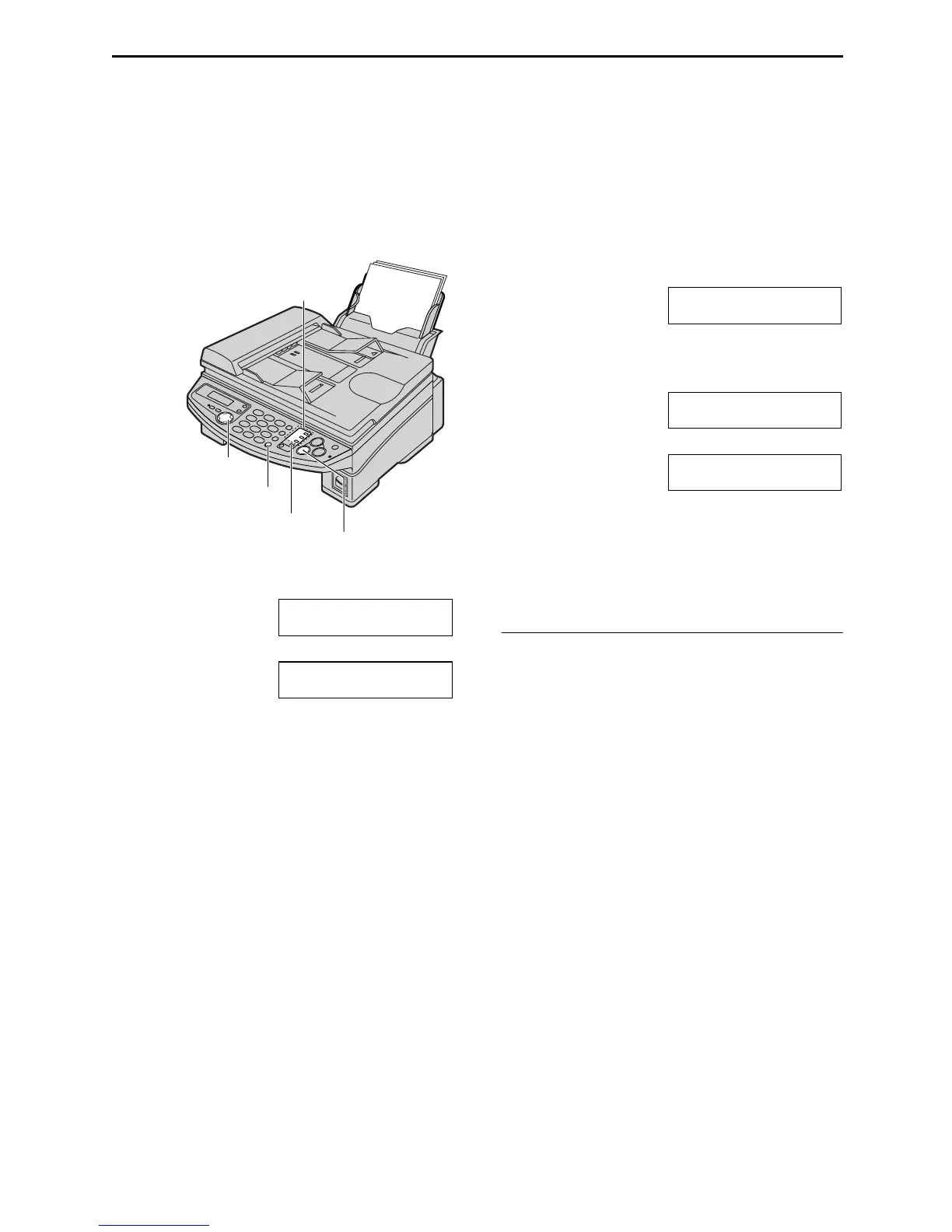
Station keys
{LOWER}
{MONITOR}
{STOP}
{>} {+} {-}











 To Next Page