Sending Faxes
45
Sending a fax using one-touch dial and navigator
directory
Before using this feature, program the desired names and telephone numbers into one-touch dial and
navigator directory (page 32, 33).
1
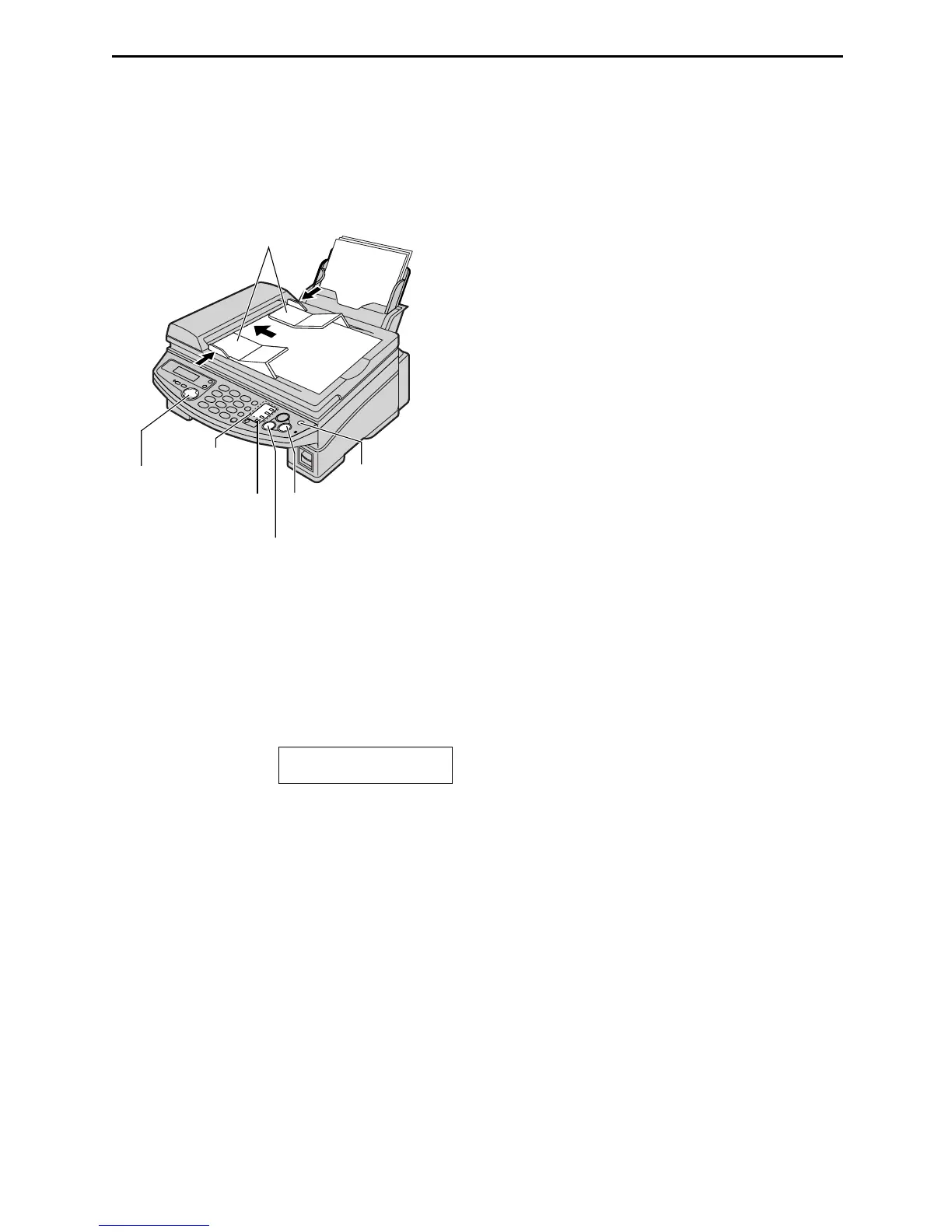
Confirm that there are no documents on the
scanner glass.
Adjust the width of the document guides to
the size of the document.
2
Insert the document (up to 15 pages) FACE
DOWN into the feeder until a single beep is
heard and the unit grasps the document.
STANDARD
3
If necessary, press {
{{
{RESOLUTION}
}}
}
repeatedly to select the desired resolution
(page 41).
4
Enter the fax number.
Using stations 1–3:
Press the desired station key.
Using stations 4–6:
Press {
{{
{LOWER}
}}
}, then press the desired
station key.
Using navigator directory:
Press {
{{
{<
<<
<}
}}
} or {
{{
{>
>>
>}
}}
}, then press {
{{
{+
++
+}
}}
} or {
{{
{-
--
-}
}}
}
to display the desired entry and press
{
{{
{SET}
}}
}.
L If the desired name has not been stored
in navigator directory, press {
{{
{STOP}
}}
}
and dial the number manually.
Note:
L Do not open the document cover while
sending a fax with the auto document feeder.
FACE
DOWN
Document guides
Station keys
{LOWER}
{<} {>} {+} {-}
{STOP}
{RESOLUTION}
{SET}
{FAX/START}











 To Next Page