Receiving Faxes
51
Receiving Faxes
Receiving a fax manually
Activating TEL mode
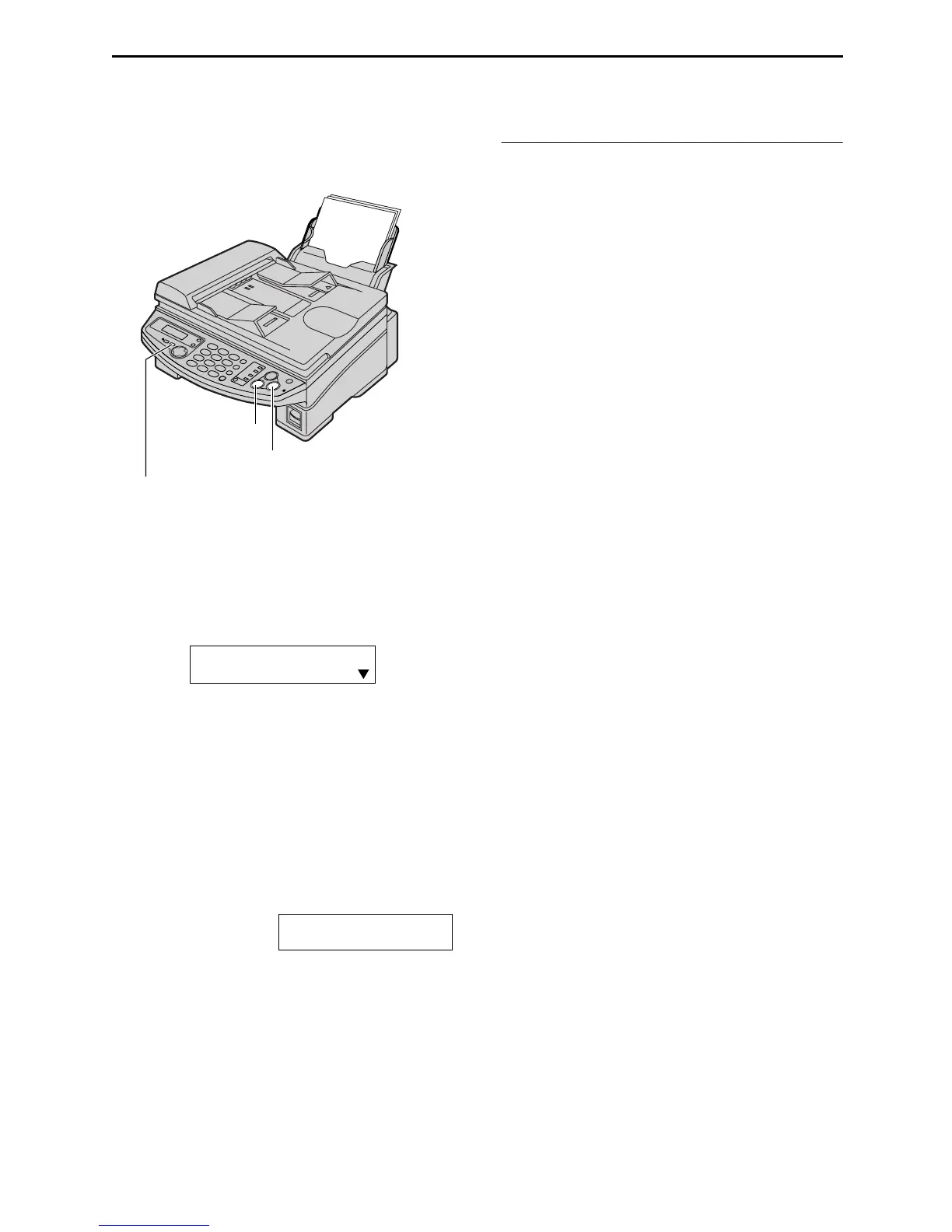
Set the fax machine to TEL mode by pressing
{
{{
{RECEIVE MODE}
}}
} until the following is
displayed.
How to receive calls
1
When the unit rings, lift the handset to
answer the call.
2
When document reception is required, a fax
calling tone (slow beep) is heard, or no
sound is heard, press {
{{
{FAX/START}
}}
}.
CONNECTING.....
3
Replace the handset.
L The unit will start fax reception.
Note:
L If you do not answer the call within 10 rings,
the unit will temporarily switch to fax
reception. The other party can then send a
fax.
To stop receiving
Press {
{{
{STOP}
}}
}.
{STOP}
{FAX/START}
{RECEIVE MODE}
FAX
TEL
TEL MODE











 To Next Page