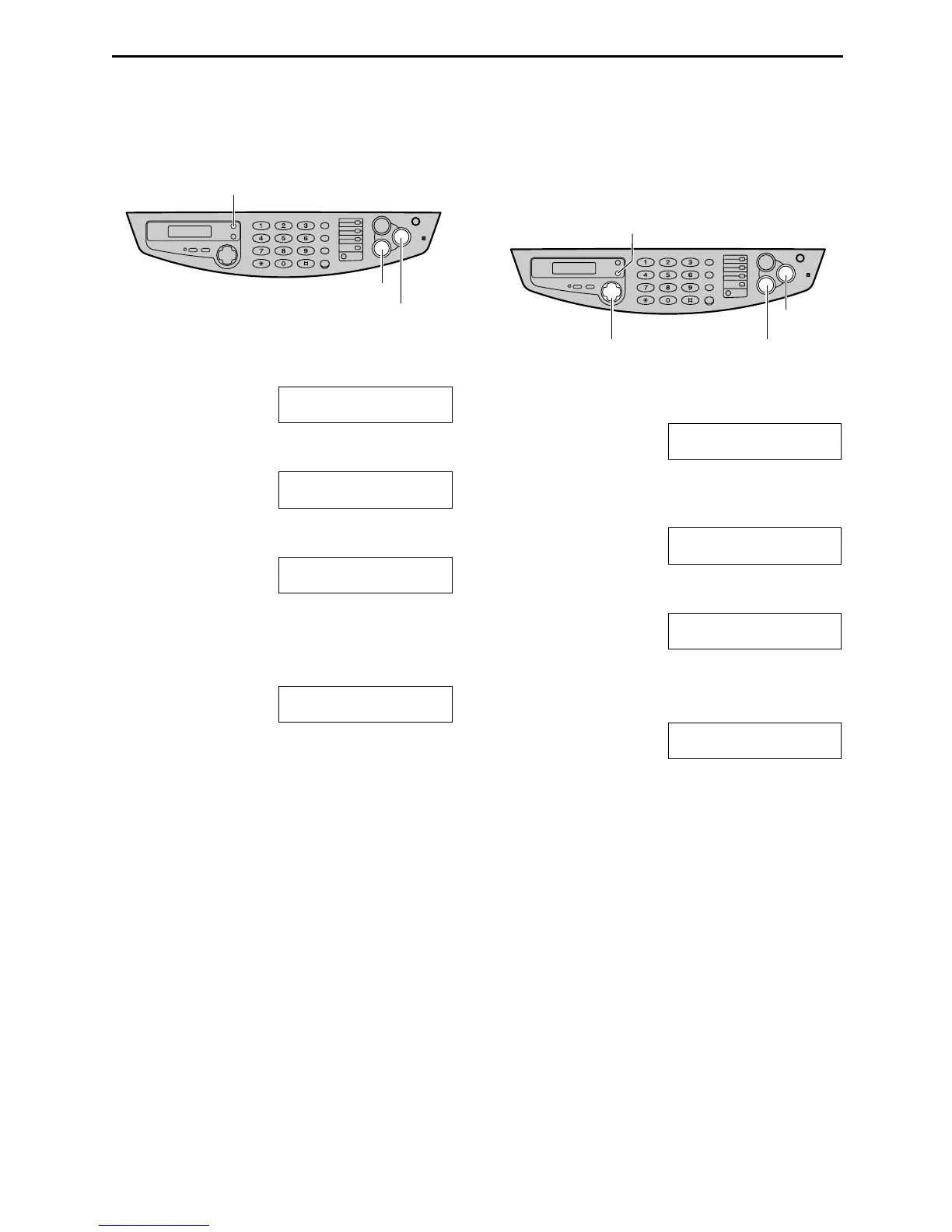
Caller ID
39
Erasing caller information
Erasing all caller information
1
Press {
{{
{MENU}
}}
} repeatedly until the
following is displayed.
CALLER SET UP
PRESS SET
2
Press {
{{
{SET}
}}
}.
CALL LIST ERASE
PRESS SET
3
Press {
{{
{SET}
}}
}.
ALL ERASE OK?
YES:SET/NO:STOP
L To cancel erasing, press {
{{
{STOP}
}}
}, then
{
{{
{MENU}
}}
}.
4
Press {
{{
{SET}
}}
}.
ERASE COMPLETED
5
Press {
{{
{STOP}
}}
} to exit the program.
Erasing specific caller
information
1
Press {
{{
{CALLER ID}
}}
}.
Example: 2 NEW CALLS
PRESS NAVI.[+ -]
2
Press {
{{
{+
++
+}
}}
} or {
{{
{-
--
-}
}}
} until the desired entry is
displayed.
Example: SAM LEE
12:10AM Jul 20
3
Press {
{{
{<
<<
<}
}}
}.
DELETE OK?
YES:SET/NO:STOP
L To cancel erasing, press {
{{
{STOP}
}}
}.
4
Press {
{{
{SET}
}}
}.
DELETED
L To erase other entries, repeat step 2 to
4.
5
Press {
{{
{STOP}
}}
} to exit the program.
{SET}
{STOP}
{MENU}
{
STOP}
{CALLER ID}
{<} {+} {-}
{SET}











 To Next Page