Sending Faxes
48
Adding a new entry into the
broadcast memory
1
Press {
{{
{>
>>
>}
}}
}.
DIRECTORY [+ -]
2
Press {
{{
{+
++
+}
}}
} or {
{{
{-
--
-}
}}
} until the following is
displayed.
<BROADCAST>
b
SEND:PRESS SET
EDIT:PRESS MENU
3
Press {
{{
{
MENU
}
}}
}.
BROADCAST
ADD=@ DELETE=#
4
Press {
{{
{*
**
*}
}}
}.
5
Press {
{{
{+
++
+}
}}
} or {
{{
{-
--
-}
}}
} until the desired entry
you want to add is displayed.
L Navigator:
Example: Mary
15843724123
L Station 2:
Example: Peter <S02>
19265532168
6
Press {
{{
{
SET
}
}}
}.
REGISTERED
u
Example: Nikki
13852179365
L To add other entries, repeat steps 5 and
6 (up to 20 entries).
7
Press {
{{
{
STOP
}
}}
} to exit the program.
Erasing a stored entry in the
broadcast memory
1
Press {
{{
{>
>>
>}
}}
}.
DIRECTORY [+ -]
2
Press {
{{
{+
++
+}
}}
} or {
{{
{-
--
-}
}}
} until the following is
displayed.
<BROADCAST>
b
SEND:PRESS SET
EDIT:PRESS MENU
3
Press {
{{
{
MENU
}
}}
}.
BROADCAST
ADD=@ DELETE=#
4
Press {
{{
{#
##
#}
}}
}.
5
Press {
{{
{+
++
+}
}}
} or {
{{
{-
--
-}
}}
} until the desired entry
you want to erase is displayed.
L Navigator:
Example: Dick
13281432968
L To cancel erasing, press {
{{
{
STOP
}
}}
}.
6
Press {
{{
{
SET
}
}}
}.
DELETE OK?
YES:SET/NO:STOP
7
Press {
{{
{
SET
}
}}
}.
DELETED
u
Example: Bob
0123456
L To erase other entries, repeat steps 5 to
7.
8
Press {
{{
{
STOP
}
}}
} to exit the program.
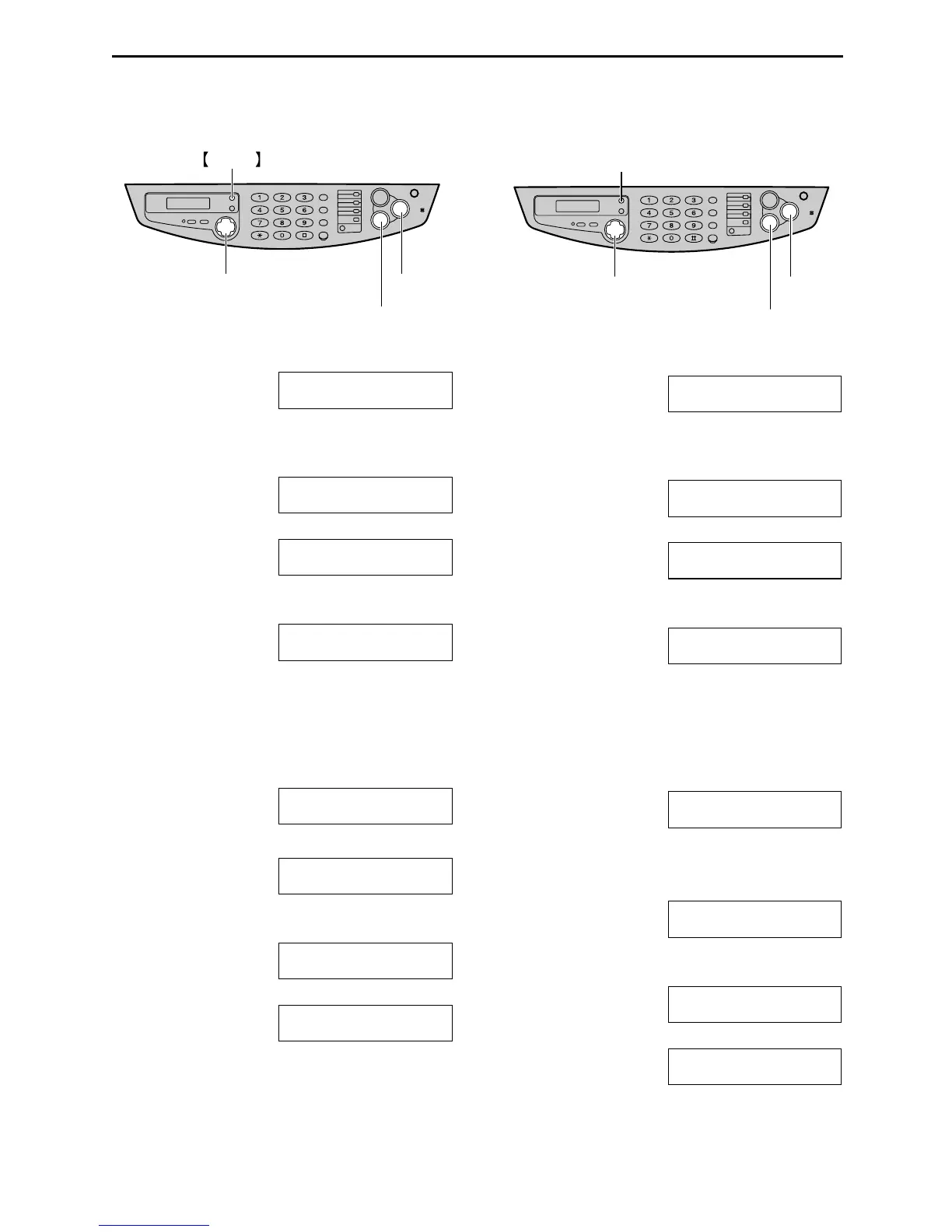
{SET}
{<} {>} {+} {-}
{STOP}
MENU
{SET}
{<} {>} {+} {-}
{STOP}
{MENU}











 To Next Page