DPT Overview 1-21
1.1 Configuration
– KX-T7420 and KX-T7425
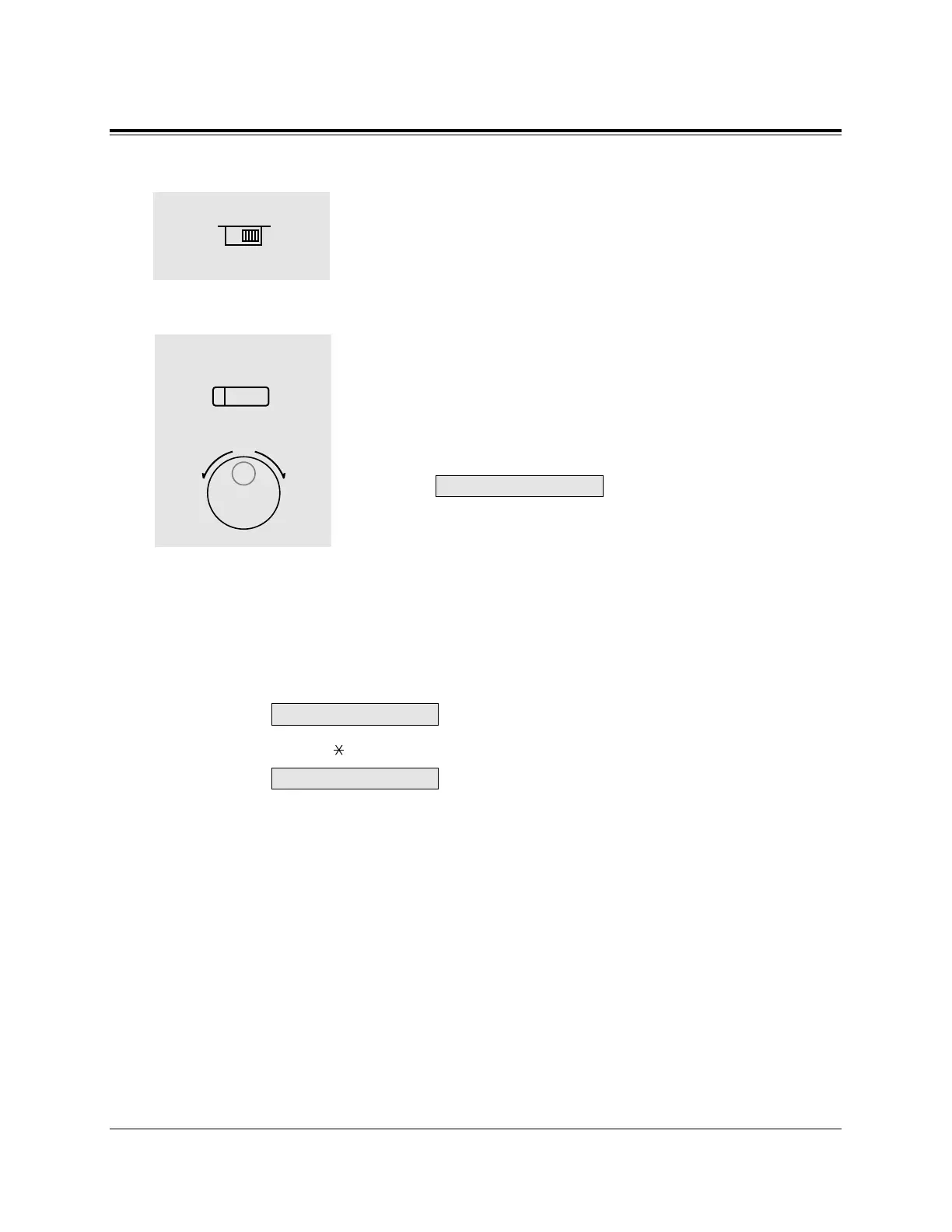
1. Adjust the RINGER Volume Selector lever to the desired
setting (OFF/LOW/HIGH).
To adjust the speaker volume
1. Press the SP-PHONE button.
2. Rotate the Jog Dial in the desired direction.
• The display shows:
<Example>
(— volume level 12)
• You may also adjust the speaker volume while listening to
background music (BGM On mode), receiving a voice call,
or receiving a page.
Conditions
• If the ringer volume of the KX-T7431 is set to OFF, the display while on-hook is as
follows.
By pressing “ ,” the display changes to show your extension number and name.
SP: 12
1
2
1










 To Next Page