Station Programming 2-43
2.2 Station Programming
Self-Extension Number Confirmation (Display DPT only)
Allows you to display your jack and extension number on the display.
— Be sure that you are in the Station Programming mode: Press [PROGRAM] [9] [9].
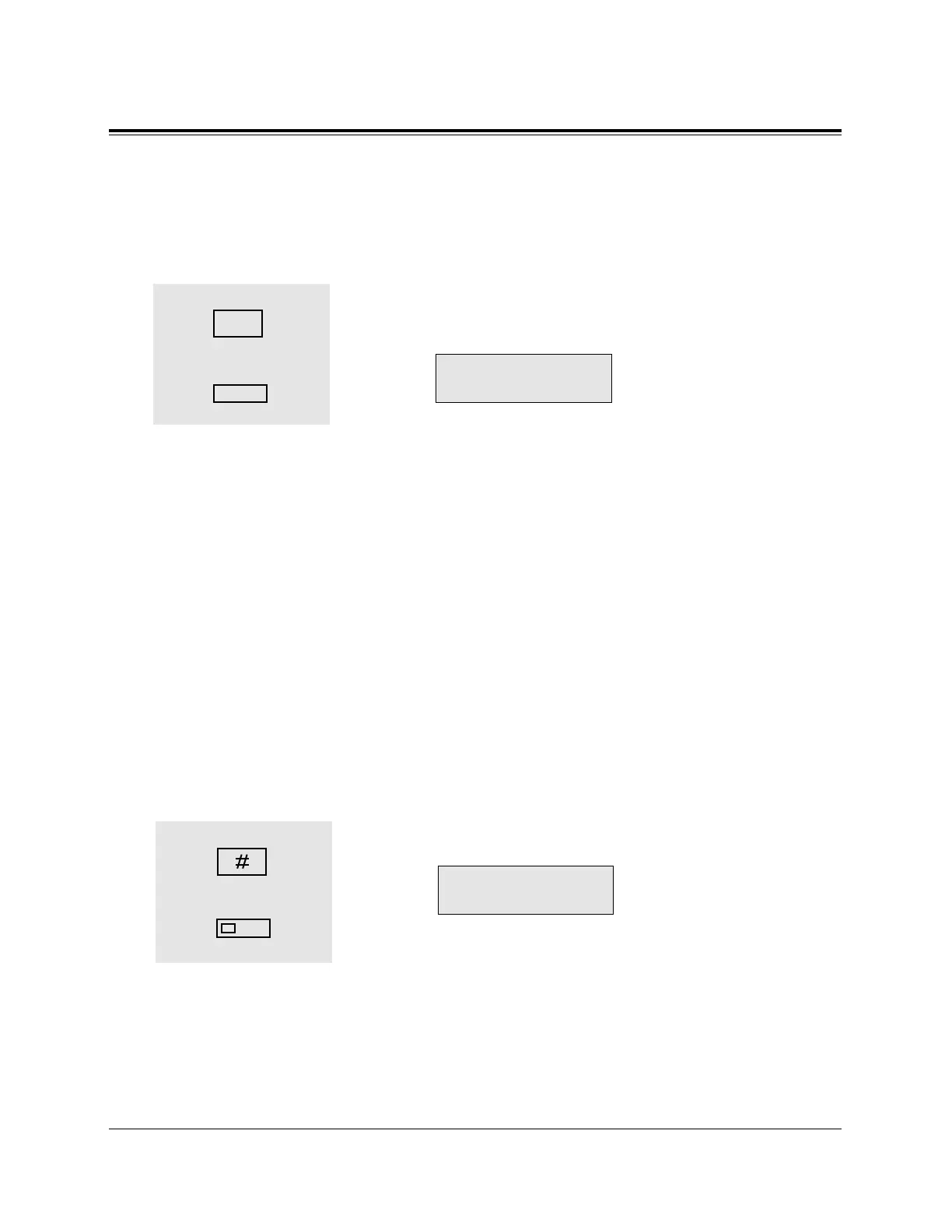
1. Dial 6.
• The display shows your jack and extension number.
<Example>
2. Press the HOLD (END) button.
• The display shows the initial programming mode.
— To exit from Station Programming mode: Press [PROGRAM] or lift the handset.
Station Programming Data Default Set
Allows you to return each of the following programmable items to their default settings.
a) Call Waiting Tone Type Assignment (default: Tone 1)
b) Full One-Touch Dialling Assignment (default: On)
c) Handset/Headset Selection (default: Handset)
d) Intercom Alerting Assignment (default: Ring-Calling)
e) Live Call Screening Mode Set (default: Hands-free)
f) Preferred Line Preference — Incoming (default: Ringing Line)
g) Preferred Line Preference — Outgoing (default: INTERCOM Line)
— Be sure that you are in the Station Programming mode: Press [PROGRAM] [9] [9].
1. Dial #.
• The display shows:
2. Press the STORE button.
• The STORE indicator light turns on.
• The display shows the initial programming mode.
— To exit from Station Programming mode: Press [PROGRAM] or lift the handset.
2
1










 To Next Page