Station Programming 2-39
2.2 Station Programming
Idle Line Preference — Outgoing (Assignment)
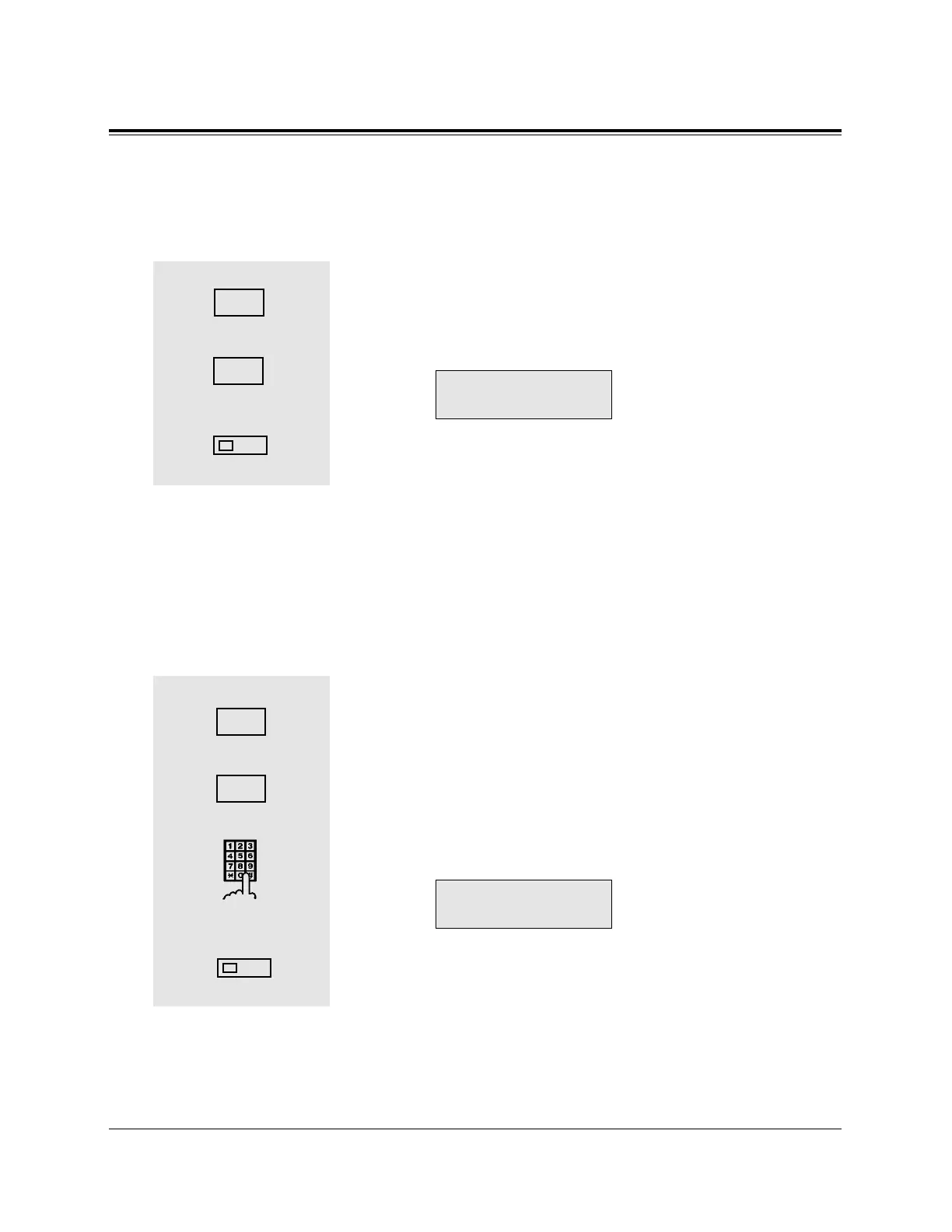
When you go off-hook, you are connected to an idle line.
— Be sure that you are in the Station Programming mode: Press [PROGRAM] [9] [9].
1. Dial 1.
• The display shows the current status.
2. Dial 2.
• The display shows:
3. Press the STORE button.
• The STORE indicator light turns on.
• The display shows the initial programming mode.
— To exit from Station Programming mode: Press [PROGRAM] or lift the handset.
Prime Line (CO Line) Preference — Outgoing (Assignment)
When you go off-hook, you are connected to the pre-assigned line.
— Be sure that you are in the Station Programming mode: Press [PROGRAM] [9] [9].
1. Dial 1.
• The display shows the current status.
2 Dial 3.
3. Dial the CO line number as follows.
- 01 through 08 : if you are connected to the KX-TD816
- 01 through 24 : if you are connected to the KX-TD1232
• The display shows:
(— xx: CO line number xx is
selected)
4. Press the STORE button.
• The STORE indicator light turns on.
• The display shows the initial programming mode.
— To exit from Station Programming mode: Press [PROGRAM] or lift the handset.
1
2
4










 To Next Page