2-34 Station Programming
2.2 Station Programming
†: Available when the Digital Super Hybrid System is connected to a Digital
Proprietary Telephone capable Panasonic Voice Processing System. (one
that supports digital proprietary telephone integration; e.g. KX-TVP100).
Live Call Screening Mode Set
†
Assign whether an alert tone is sent (Private mode) or the recording message is monitored
through the built-in speaker (Hands-free mode), while incoming callers are leaving a
message.
— Be sure that you are in the Station Programming mode: Press [PROGRAM] [9] [9].
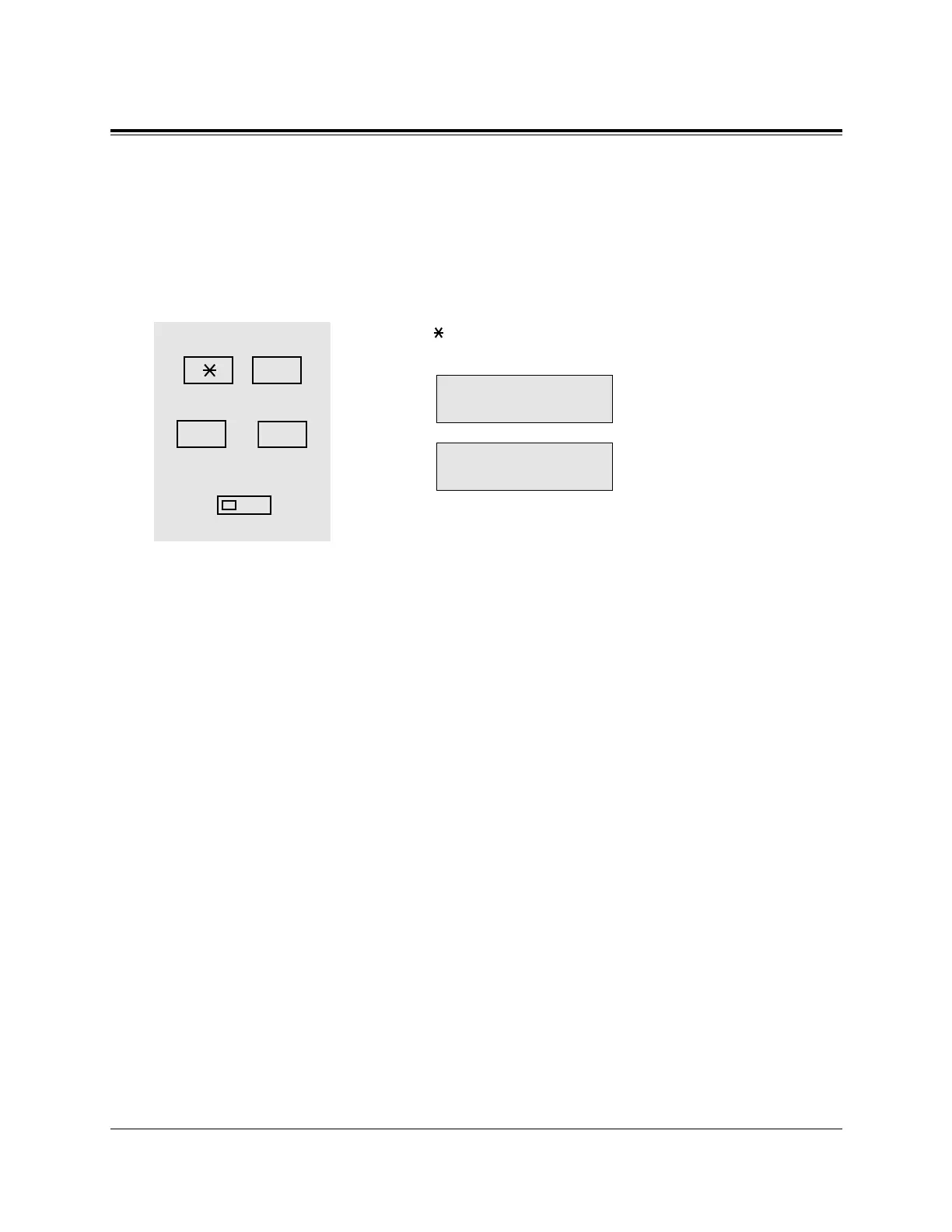
1. Dial 1.
• The display shows the current status.
(— When Hands-free mode is
selected)
(— When Private mode is
selected)
2. Dial 1 or 2.
- 1 : for selecting Hands-free mode
- 2 : for selecting Private mode
3. Press the STORE button.
• The STORE indicator light turns on.
• The display shows the initial programming mode.
— To exit from Station Programming mode: Press [PROGRAM] or lift the handset.
Conditions
• Default is “Hands-free” mode.
1
2
3










 To Next Page