Digital E.LS.
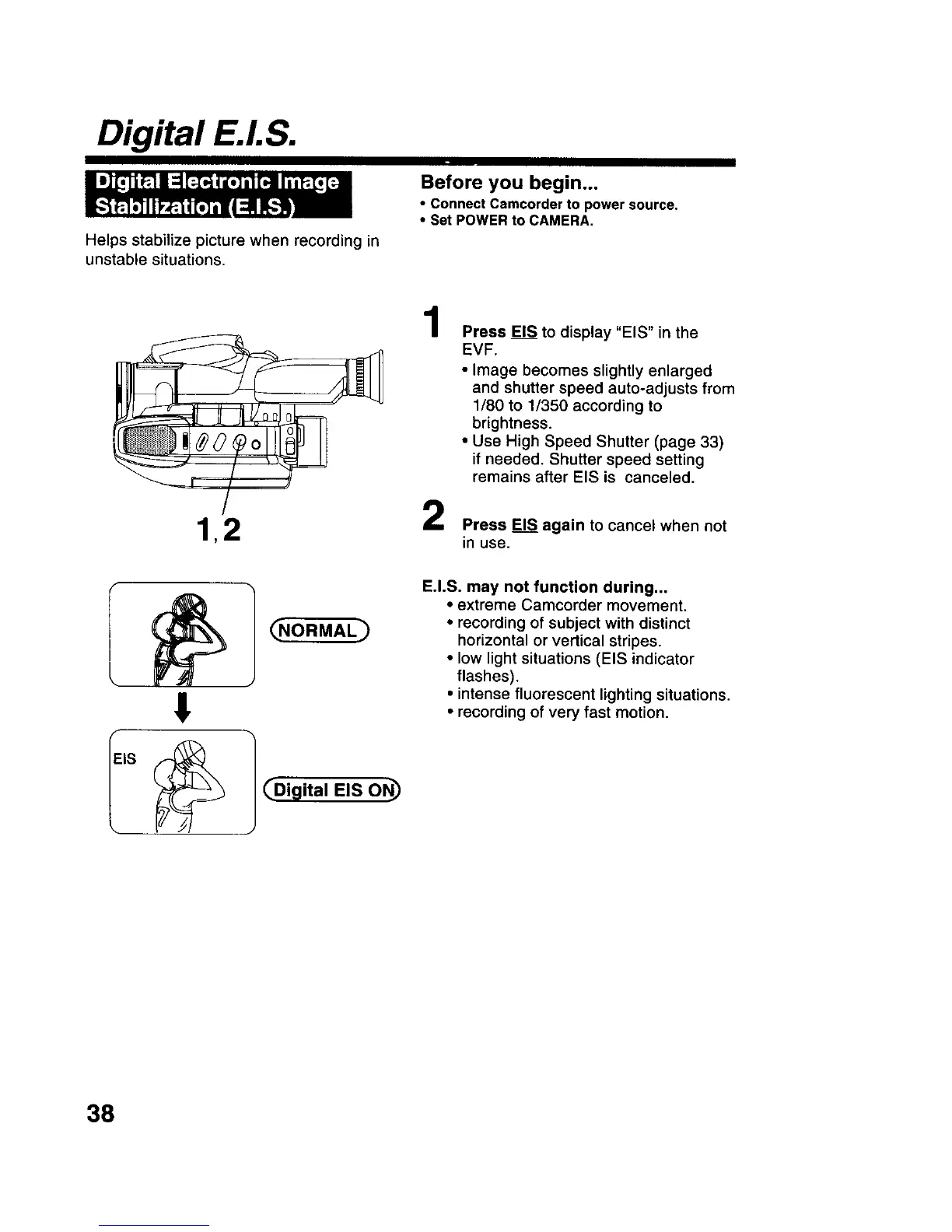
Helps stabilize picture when recording in
unstable situations.
Before you begin...
• connect Camcorder to power source.
• Set POWER to CAMERA,
1,2
1
2
Press EIS to display "EIS" in the
EVF.
• Image becomes slightly enlarged
and shutter speed auto-adjusts from
1/80 to 1/350 according to
brightness.
• Use High Speed Shutter (page 33)
if needed. Shutter speed setting
remains after EIS is canceled.
Press EIS again to cancel when not
in use.
!
] _Digital EIS ON_
E.I.S. may not function during...
• extreme Camcorder movement.
• recording of subject with distinct
horizontal or vertical stripes.
• low light situations (EIS indicator
flashes).
• intense fluorescent lighting situations.
• recording of very fast motion.
38











 To Next Page