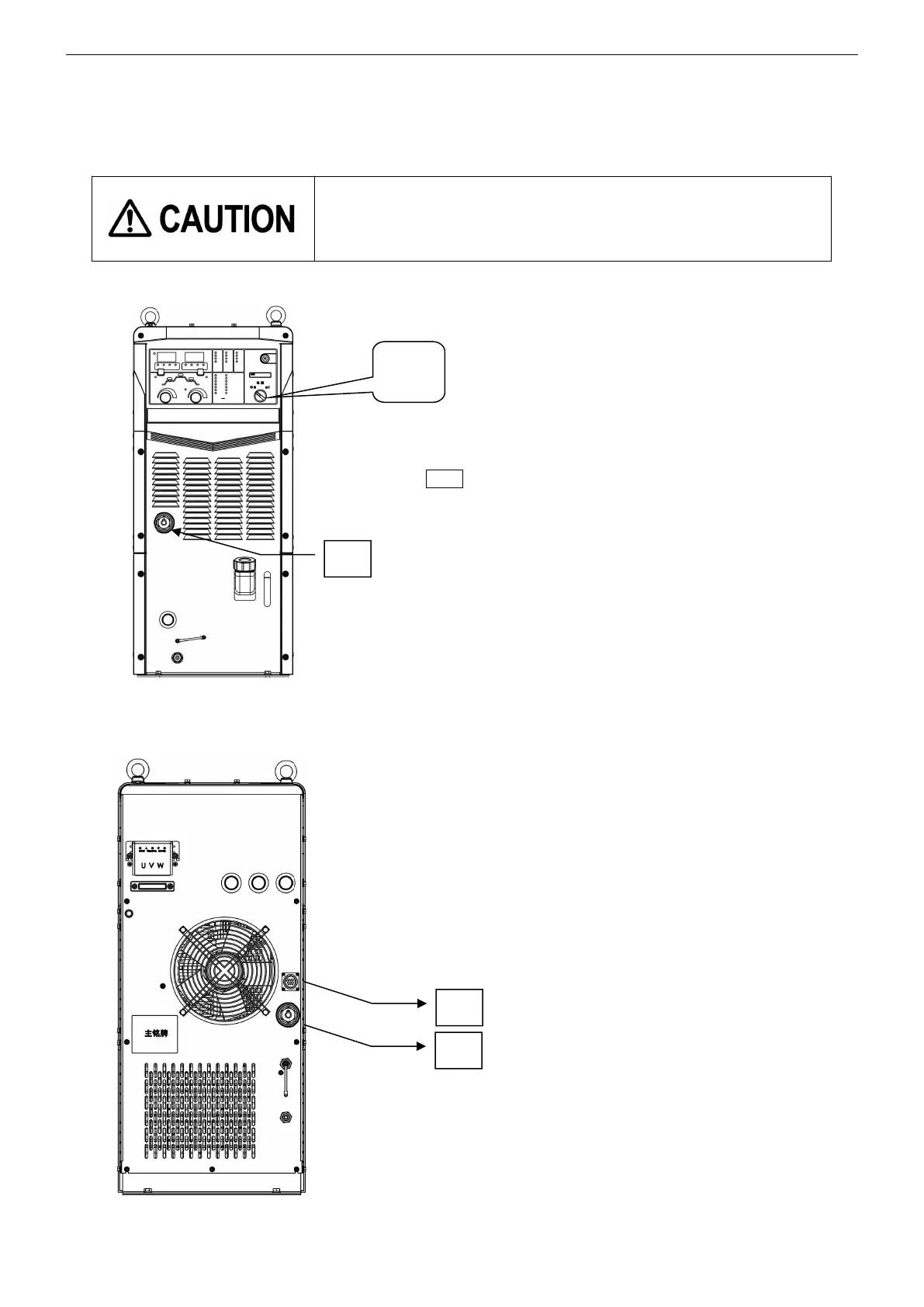
About power switch:
●
When the power switch is turned off automatically, do not turn it on
again. (Consult with sales distributor of Panasonic representatives.)
●
When activating a power generator, turn off the power switch.
note ・ Turn the power switch knob clockwise to turn on
the power, and the LED digital tube will display the
software version number after about 1 second.
・ About 4 seconds after the software version
number is displayed, the AC contactor is closed, and the
cooling fan behind it will start to run
.



 To Next Page