Maintenance and inspection
31
10 Maintenance and inspection
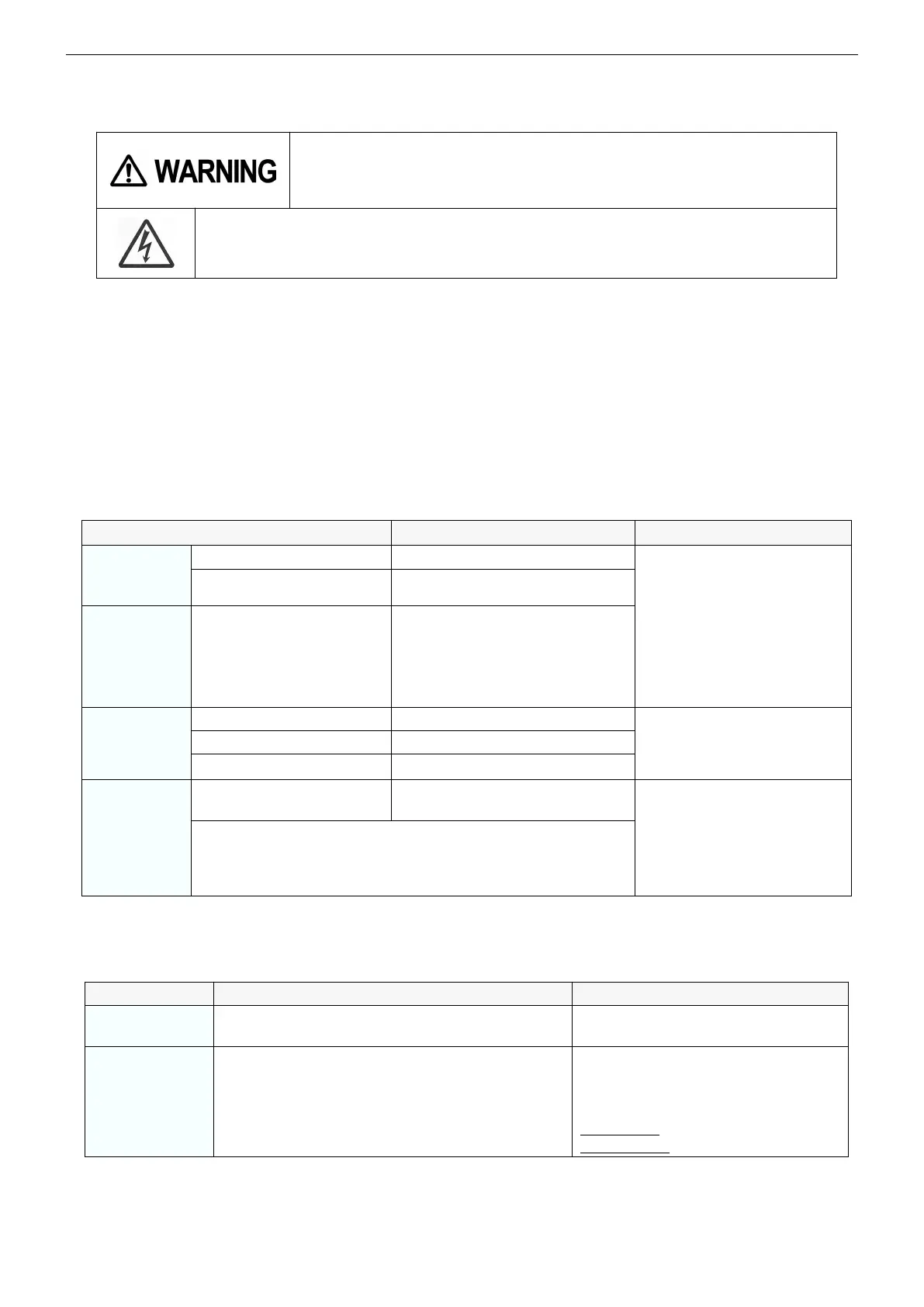
Touching any current-carrying parts may cause a fatal electric shock
or burn injury
To prevent a fatal accident, such as an electric shock, burn injury, etc., make
sure to observe the followings.
Make sure to turn off the power switch and the switch of the distribution box before making
a daily check. (However, any external check made without touching current-carrying parts
or their surrounding area is excluded.)
10.1 Daily check
●
Perform the daily check without fail. It is important to make the most of the performance of this product and
to secure the safety of daily operations.
●
Check the items indicated in the following table, and conduct the cleaning and replacement of parts when
necessary.
10.1.1
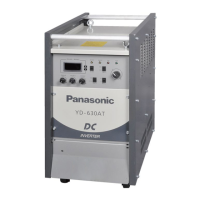
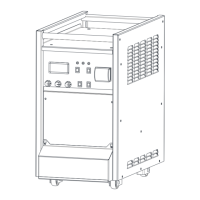
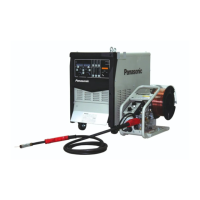
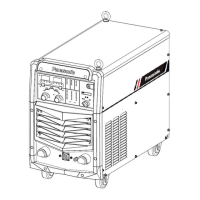
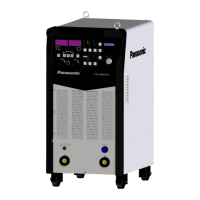
Welding machine (This product)
●
For replacement of parts, make sure to use our genuine parts for Panasonic welding machine to keep its
performance and functions
Devices on the front panel
Breakage or loose attachment.
If there is any defect, an
inside check, additional
fastening, parts replacement,
etc. are required.
Terminal cover at the
bottom
If it is fixed with screws.
Input power terminal cover
• If the cover is attached correctly.
• Breakage or loose attachment.
• Check if any foreign matter is
attached to the cooling air intake
vent
Top panel
Bottom panel
Side panel
Breakage or loose attachment.
If there is any defect,
additional fastening, parts
replacement, etc. are
required.
Breakage or loose attachment.
Check if there is any trace of heat
generation, such as discoloration.
If there is any unusual events,
an inside check is required.
After turning ON the power switch, check the followings
• If the cooling fan makes unusual rotation noise.
• If the cooling fan generates cooling wind all right.
• If there is any unusual vibrations, beats or odor.
Note: The parts behind the terminal cover at the bottom are periodical check items.
10.1.2
Cables
If each grounding wire is connected all right and
fastened securely.
To prevent a physical accident caused by
electric leakage, make sure to check it.
• If cable coating is worn or damaged.
• If any current-carrying parts is exposed.
• If any heavy items not placed on the cable.
• If the connection of the base metal cable is
fastened securely.
To secure the physical safety and
stable arc, check those cables in an
appropriate manner according to the
conditions of shop floors.
Daily check: Quick and rough check
Period check: Thorough check
* Check grounding wires for perhipheral equipment, such as base metal and water cooling unit as well as for this
product.



 To Next Page