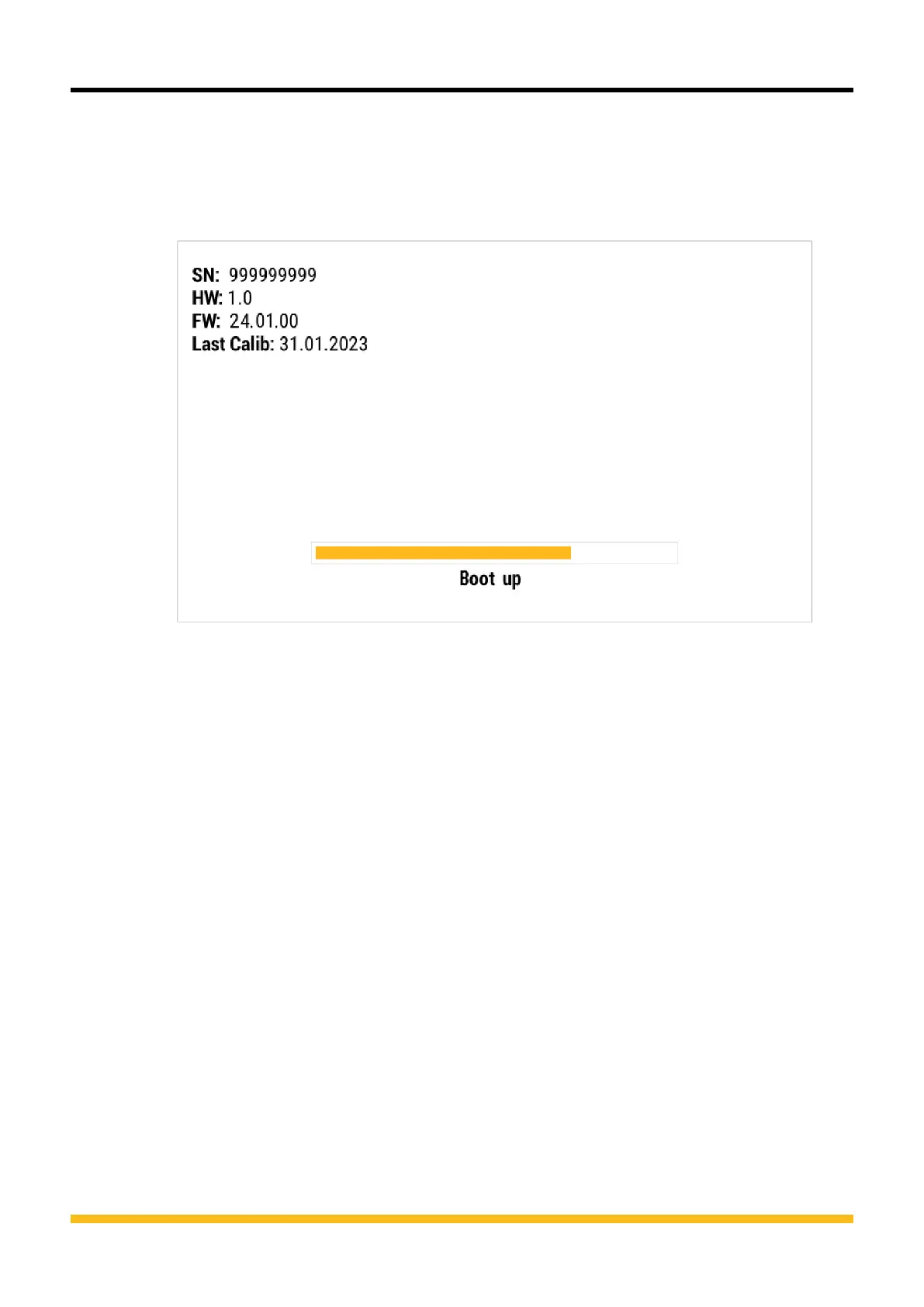
5 Wait until the process has finished.
Ä The device may restart several times during the process.
Ä When the process has been completed, the corresponding message
appears in the display.
Fig.63 Update firmware, system message
Ä The latest version of the firmware is now installed on the device.
88
The Parker Service Master COMPACT V1.0/02/24
Troubleshooting













 To Next Page