3
70
Mini-101M
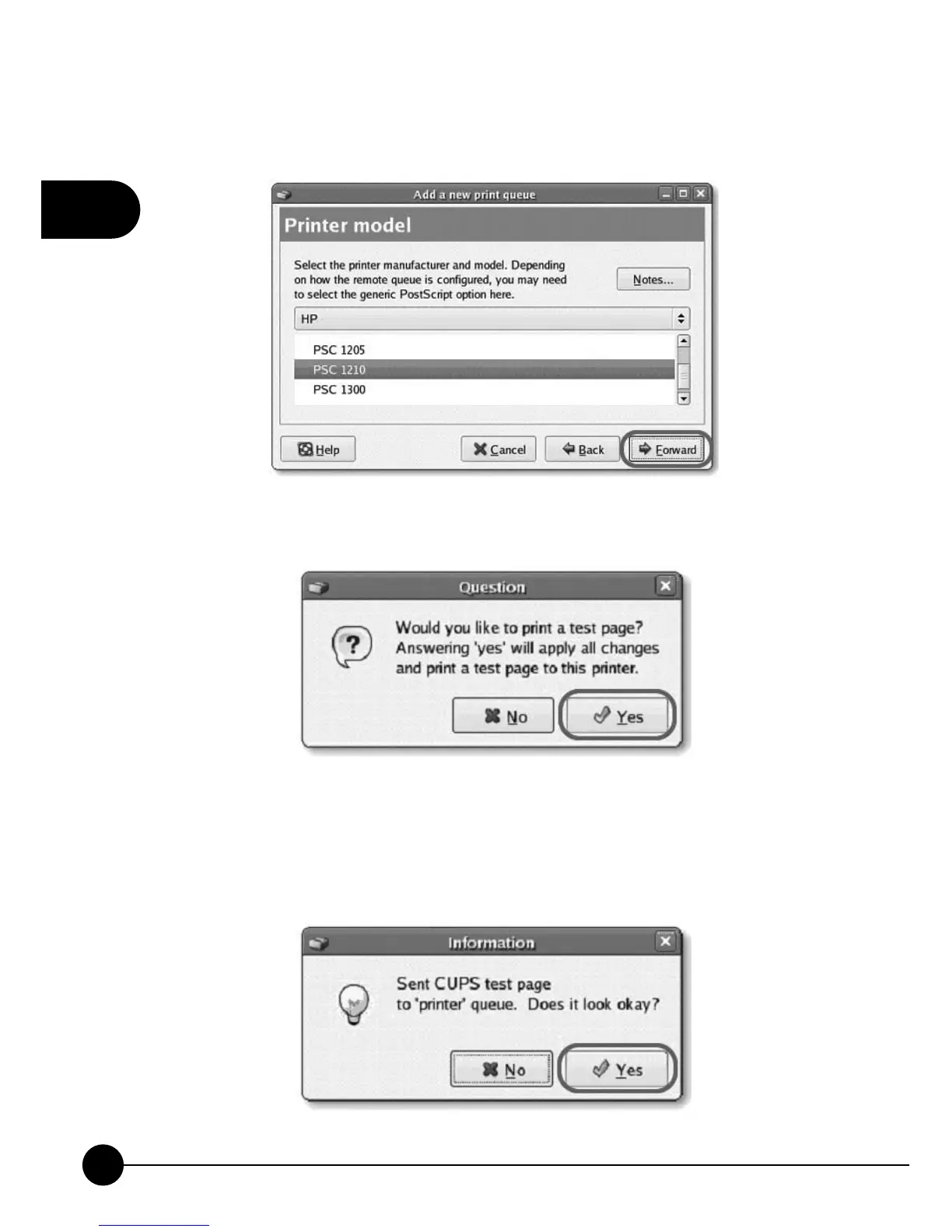
7.Please review the settings. If the settings are no problem, clickņFinishŇ
8.To print a test page and apply all the settings, please clickņYe sŇ.
9.If the test page is printed without problem, please clickņYe s Ň.Ifitis
failed to print, please clickņNoŇto go back toņPrinter configuration
- fedoraŇscreen and configure again.



 To Next Page