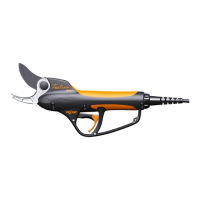
PRUNING SHEARS C3X
26_176804-B
Method No. 2:
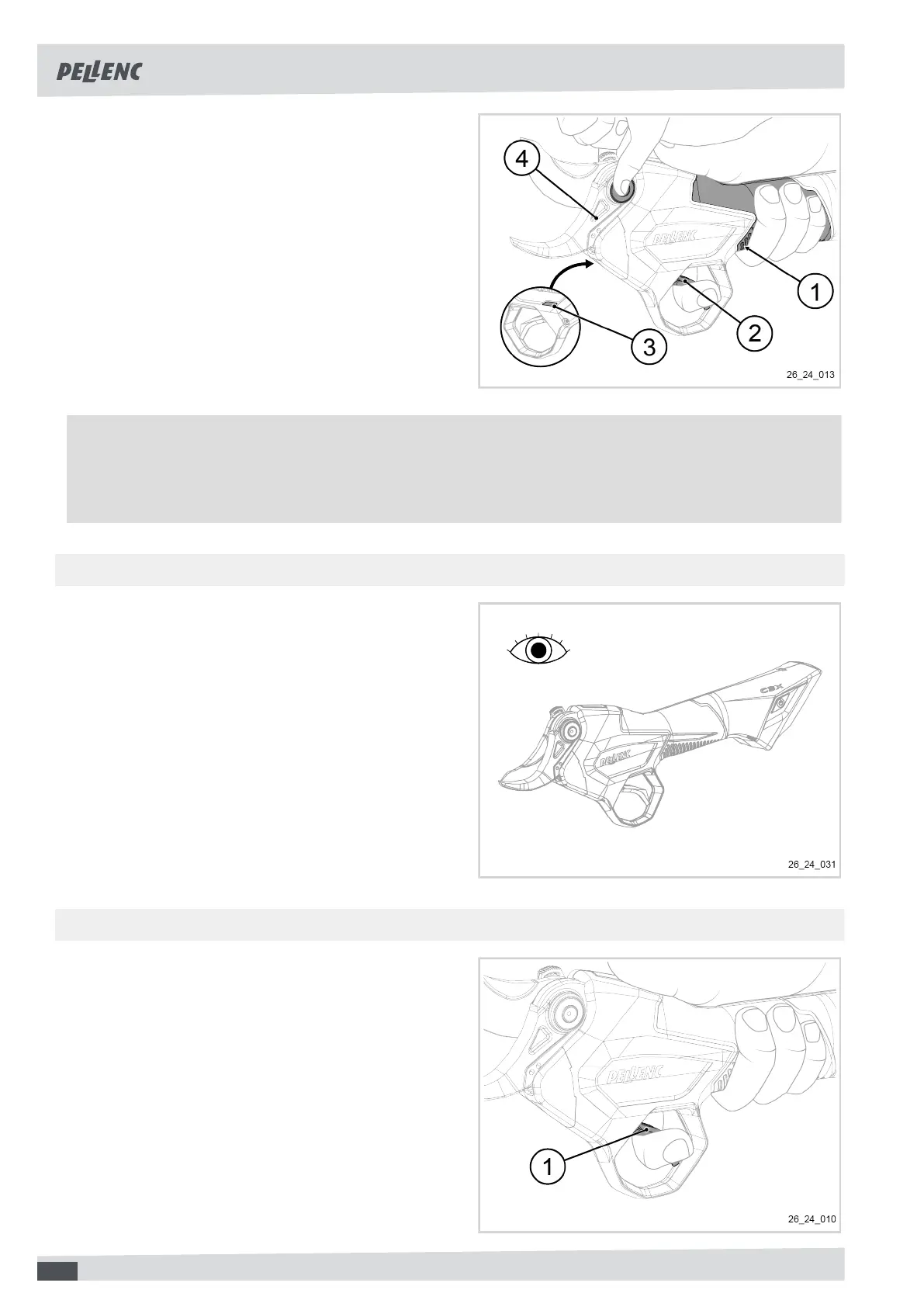
1. Switch the tool on.
2. Hold the tool in your hand, making sure your fingers
are in contact with the conductive pad (1).
3. Place the index finger of the hand holding the tool
on the trigger (2).
4. Grip on both sides of the blade pin (4) with the other
hand.
The "Activ' Security" LED (3) is solid red.
5. Release the blade pin (4).
The tool emits a series of beeps.
The "Activ' Security" LED (3) must be blue.
6. Check the correct operation of the blade according
to the position of the trigger (4).
Note
When the blade is held in the open position and the "Activ' Security" LED is lit red by the tool in the event of
simultaneous contact with the two conductive surfaces, this means that Activ' Security is functioning. In case
of malfunction, try to increase the contact area with the tool and wear/replace your conductive gloves.
6.3.2. VISUAL CHECK OF THE GENERAL CONDITION OF THE TOOL
• Visually check the general condition of the tool.
6.3.3. CHECKING THE OPERATING TRIGGER
1. Check the operation and condition of the operating
trigger (1).
2. Check that there are no physical obstructions
(e.g. tape, collar, etc.) preventing or hindering the
operation of the operating trigger (1).
3. Check the operation of the operating trigger (1) by
pressing it.
28


 To Next Page