BRUSH CUTTER EXCELION 2 DH
53_153238-A
Note
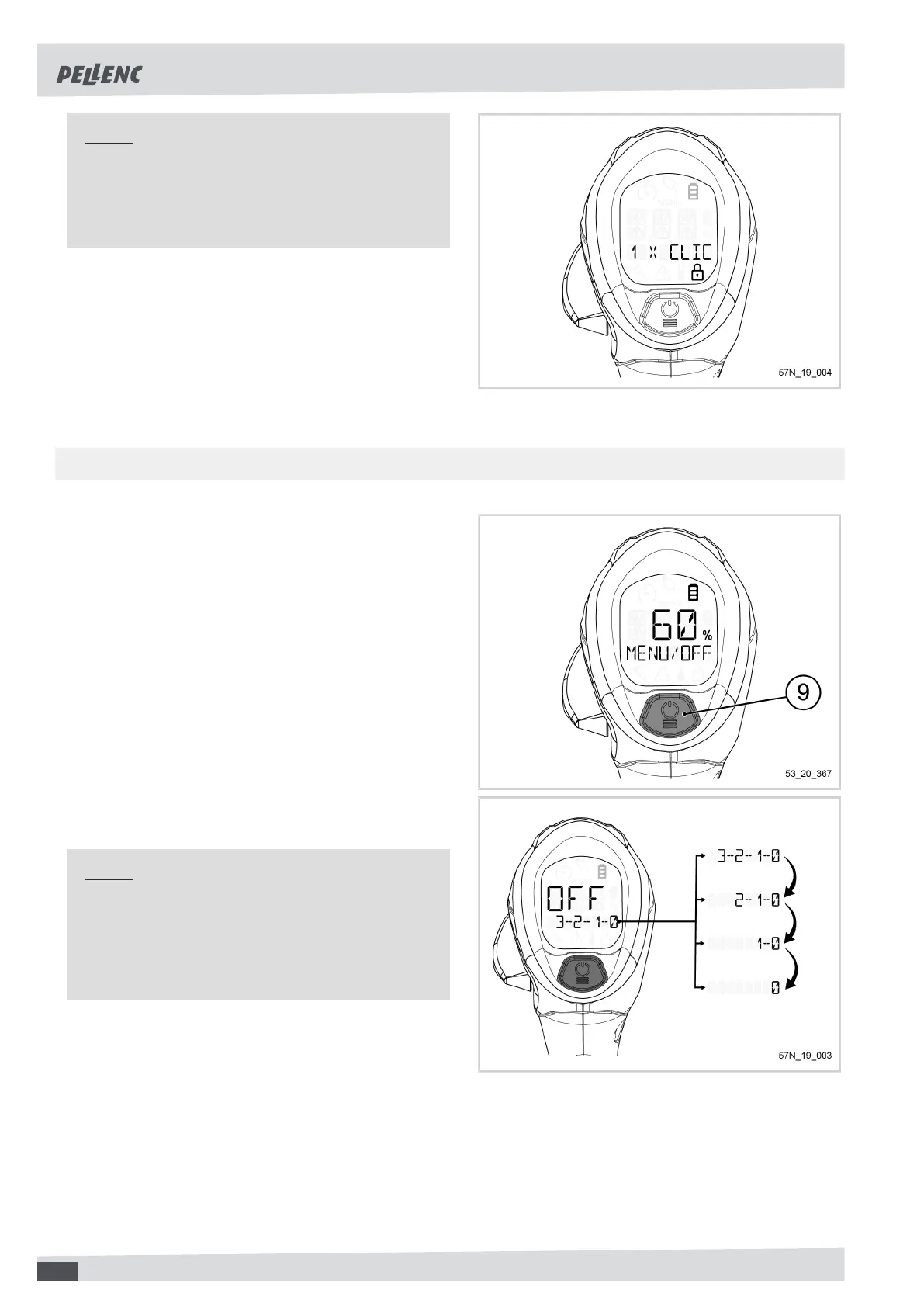
After powering on, your tool is locked by default. It
displays "1 X CLICK TO UNLOCK ". To use it, it is
necessary to unlock it (refer to Section 5.2, « Unlo-
cking of the tool »).
5.1.2. STOPPING THE TOOL
1. From the main screen, press and hold the PO-
WER/MENU button (9) (until “OFF” remains dis-
played).
The tool switch-off sequence starts.
The screen displays "OFF" and there is a countdown,
until the tool comes to a complete stop.
Note
If you take your finger off the POWER / MENU but-
ton (9) before the required time, the switch-off se-
quence is interrupted.
The tool cannot be turned off from the menu.
44



 To Next Page