EasyManua.ls Logo

pellenc EXCELION 2 DH - Page 73

pellenc EXCELION 2 DH
88 pages
Print Icon
To Next Page IconTo Next Page
To Previous Page IconTo Previous Page
Loading...
BRUSH CUTTER EXCELION 2 DH
53_153238-A
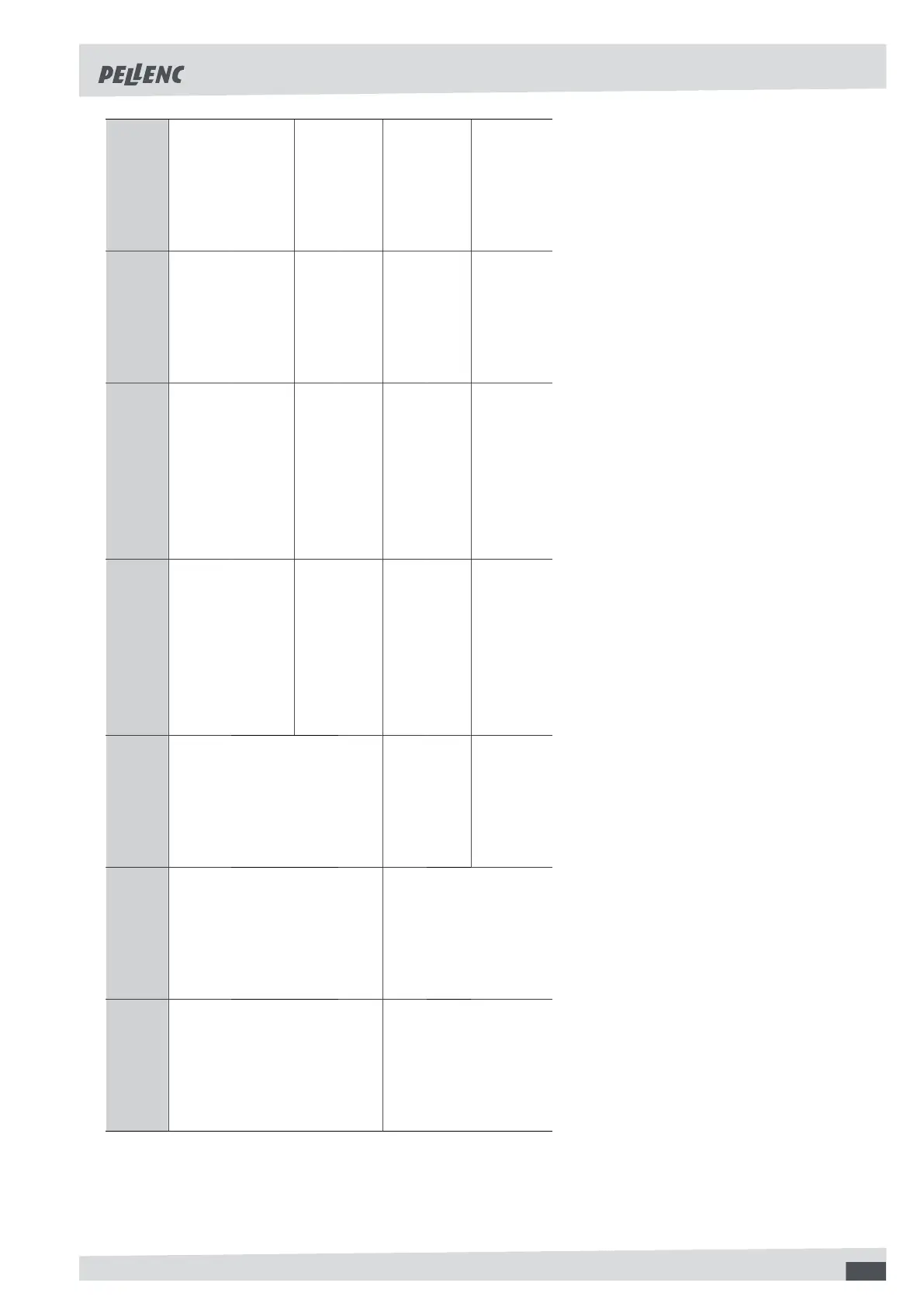
Symptoms
State of the
on/off switch
of the battery
HMI screen Probable cause Checks Solutions Repairer
Damaged cutting blade
Check the blade’s
condition (no cracks
or deformations)
Changing the
cutting blade
User
Damaged crown
Check there is
no deformation
Change the cover
User or Pel-
lenc authori-
sed distributor
Damaged cutting
blade holding part
Check there is
no deformation
Change the metal
blade holding part
Pellenc authori-
sed distributor
The cutting head
(strimmer wire
or metal blade)
makes an abnor-
mal noise or vi-
brates heavily
I On
Motor shaft damaged
Check the condition of
the shaft (no distortion)
Change the
motor shaft
Authorised PEL-
LENC distributor
On Trigger no longer works
Authorised PEL-
LENC distributor
Change the trig-
ger or sensor
Authorised PEL-
LENC distributor
Switched off
The power
cord is severed
Check the condi-
tion of the cord
Change the cord
Authorised PEL-
LENC distributorThe tool stops
during use
I
The screen dis-
plays a battery
capacity of 0%
The battery is flat
When stopped,
check the battery
charge level shown
in the side window
Recharge the bat-
tery (if less than
10% charged)
User
73

Table of Contents

Related product manuals