139
BASIC OPERATION
(PREPARATION)
BASIC OPERATION
(SHOOTING)
ADVANCED OPERATIONSOTHERS
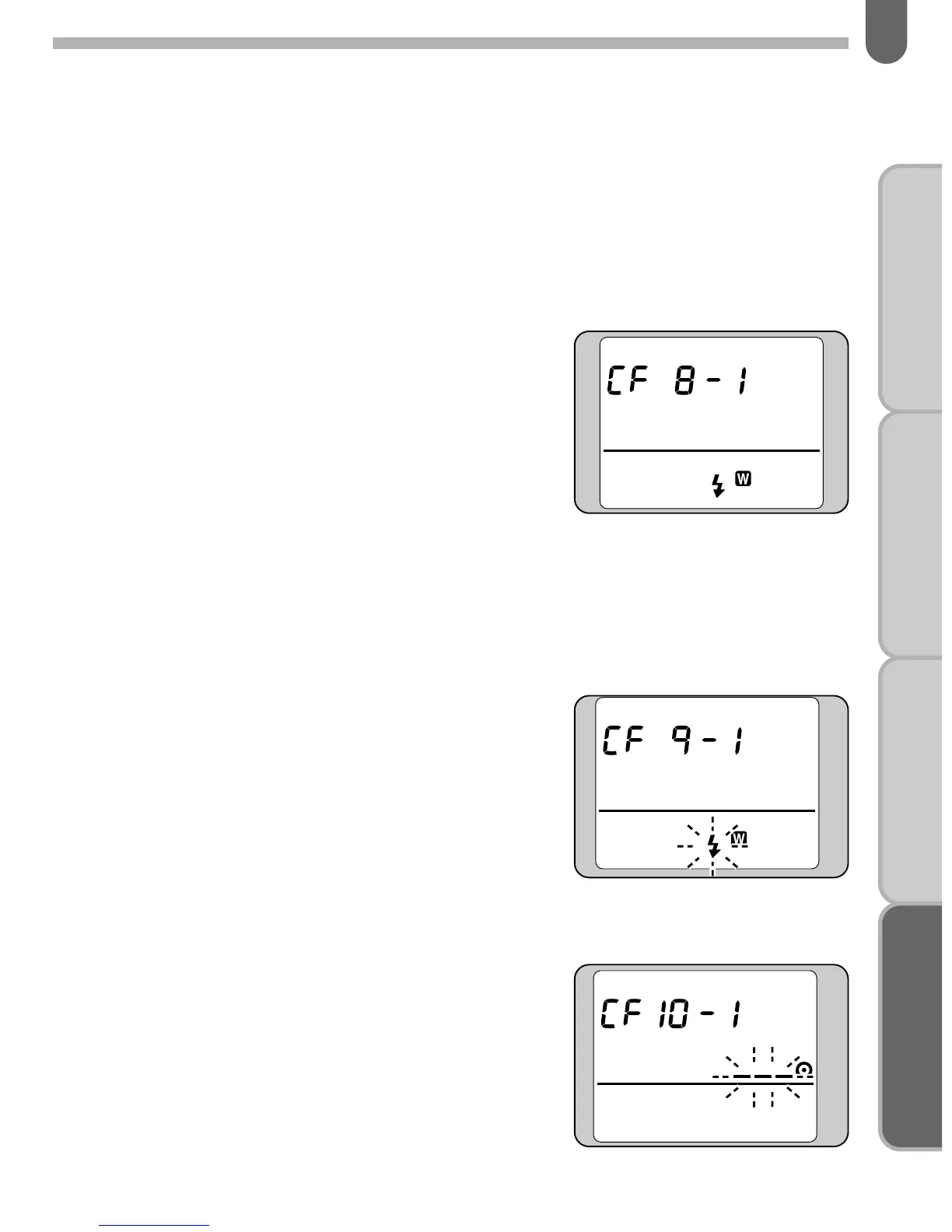
[CF8] Using the built-in flash as a wireless control for the
AF360FGZ
When the AF360FGZ is used and the camera flash mode is set
to wireless, you can assign the wireless control function to the
built-in flash.
• Custom Function number [CF8]
• Setting number
[1] . . . .Discharges the built-in flash to
adjust the exposure
[2] . . . .Built-in flash controls the
AF360FGZ
✍
MEMO
• If you set [CF8] to [2], the built-in flash controls only the AF360FGZ and
does not affect the exposure.
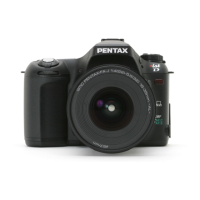
[CF9] Setting the flash pop-up button’s function during
wireless operation with the AF360FGZ
• Custom Function number [CF9]
• Setting number
[1] . . . .Disables the built-in flash
[2] . . . .Discharges the built-in flash
once for a test
[3] . . . .Discharges the built-in flash
consecutively for modeling
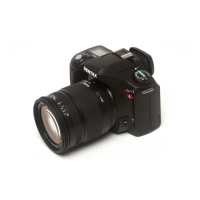
[CF10] Setting the film rewind method
• Custom Function number [CF10]
• Setting number
[1] . . . .Automatically rewinds the film
at the end of the roll
[2] . . . .Disables automatic film rewind.
To rewind the film, press the mid-
roll rewind button (see page 51).



 To Next Page