104
Shooting Functions
4
You can set both the desired shutter speed and aperture to take the
picture.
Automatically sets the sensitivity so that the manually set shutter speed
and aperture will give the proper exposure according to the brightness of
the subject.
1
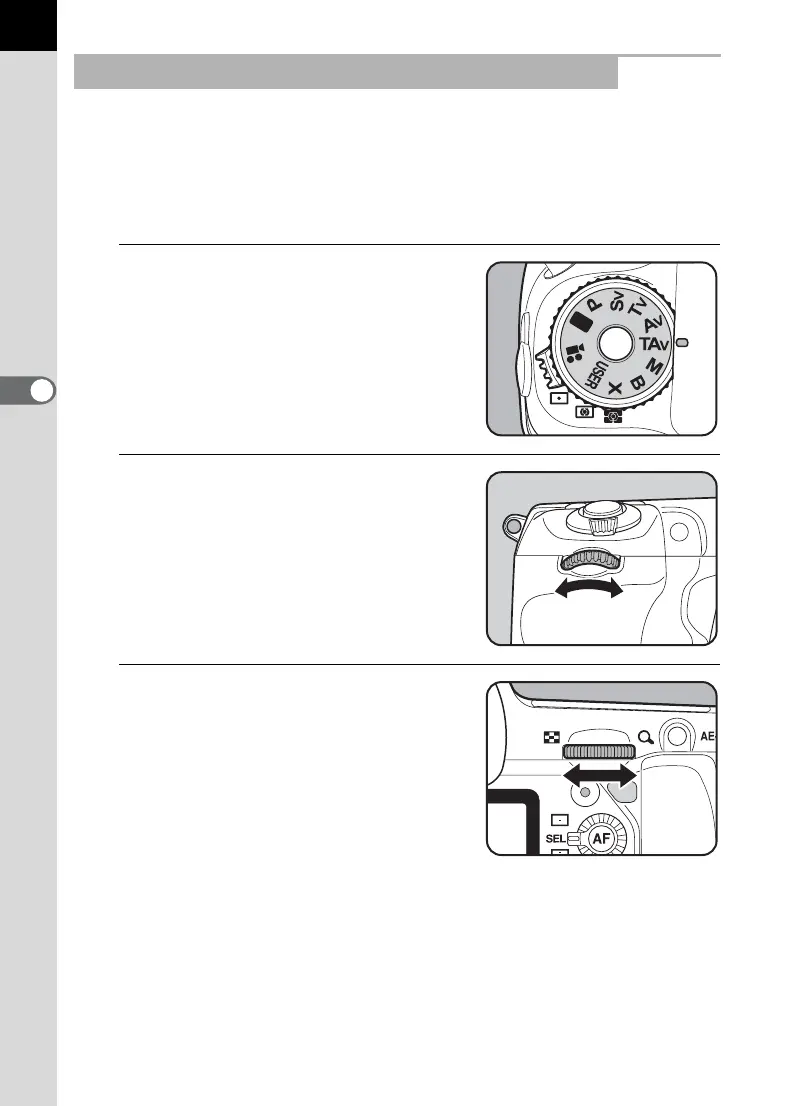
Set the mode dial to L.
2
Turn the front e-dial (R) to
adjust the shutter speed.
The shutter speed can be set within the
range of 1/8000 to 30 seconds.
3
Turn the rear e-dial (S) to
adjust the aperture.
Aperture range depends on the lens in
use.
Using the L (Shutter & Aperture Priority) Mode



 To Next Page