166
Shooting Functions
4
You can capture a single frame from a recorded movie and save it as a
JPEG still picture.
1
Pause the movie in Step 3 on p.165 to display the frame to
save as a still picture.
2
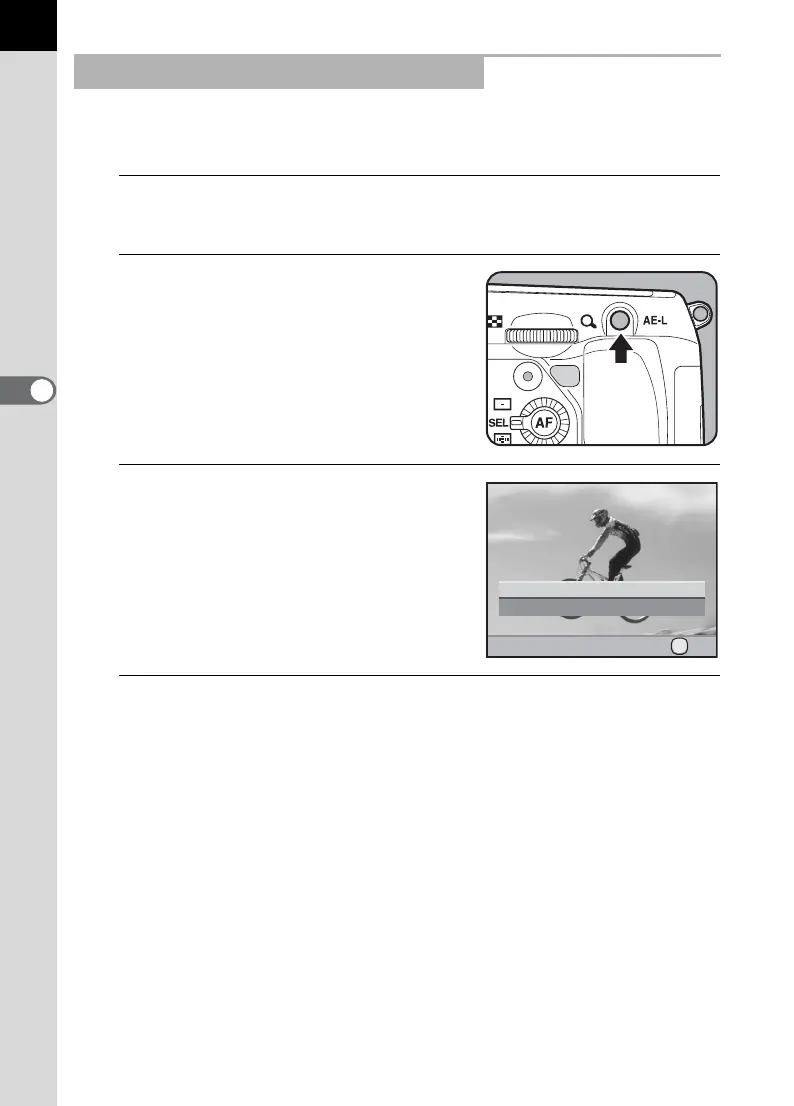
Press the L button.
The save confirmation screen appears.
3
Use the four-way controller (23)
to select [Save as].
4
Press the 4 button.
The captured image is saved as a new image.
Capturing a Still Picture from a Movie
Cancel
Save as
Saves the image as a new file
Saves the image as a new file
OK
OK



 To Next Page