17
Getting Started
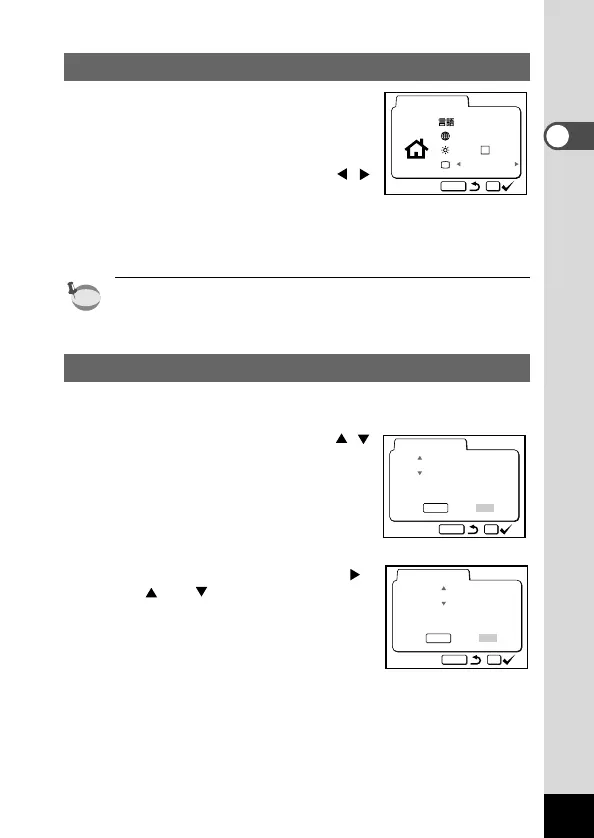
Setting the Video Output Format
You can choose the output format (NTSC
or PAL) for taking or playing back pictures
using a TV monitor.
z Use the four-way controller ( )
to select the video output format.
The default setting is NTSC.
x Press the OK button.
The screen for setting the date and time will be displayed.
•You can change the setting after it has been made. Refer to
“Changing the Video Output Format” (p.105).
Setting the Date and Time
Set the current date and time.
z Use the four-way controller ( )
to change the month.
x Press the four-way controller ( ).
and will be displayed
above and below the day.











 To Next Page