31
Common Operations
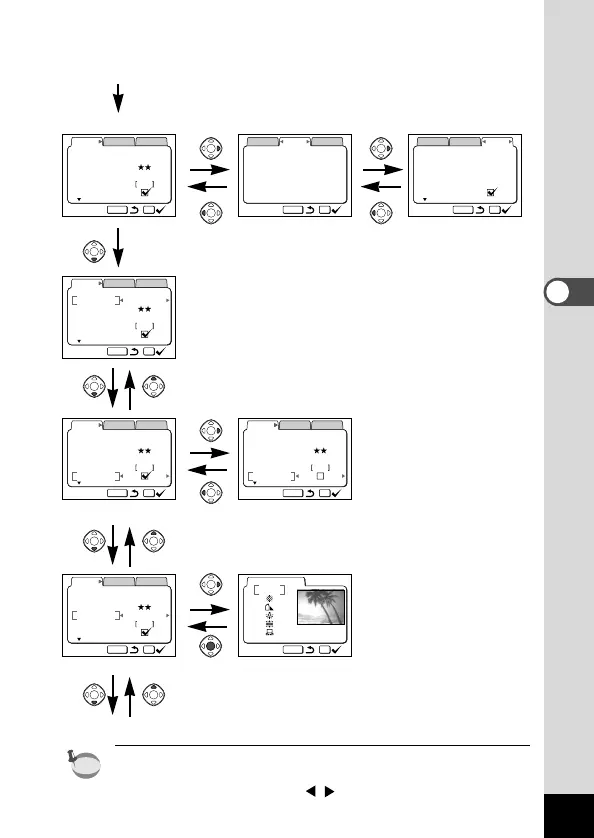
Example of shooting (in Capture mode)
z Menu button
[Rec.Mode] menu [Applied Function] menu [Set-up] menu
x
cv
(Ex.) Turning the digital zoom off
cv’
(Ex.) Adjusting the white balance
c
To the next screen
When you press the Menu button in Playback mode, the Playback
mode menu will be displayed.
Press the four-way controller ( ) to switch to the [Playback] or
[Set-up] menu.











 To Next Page