37
Taking Pictures
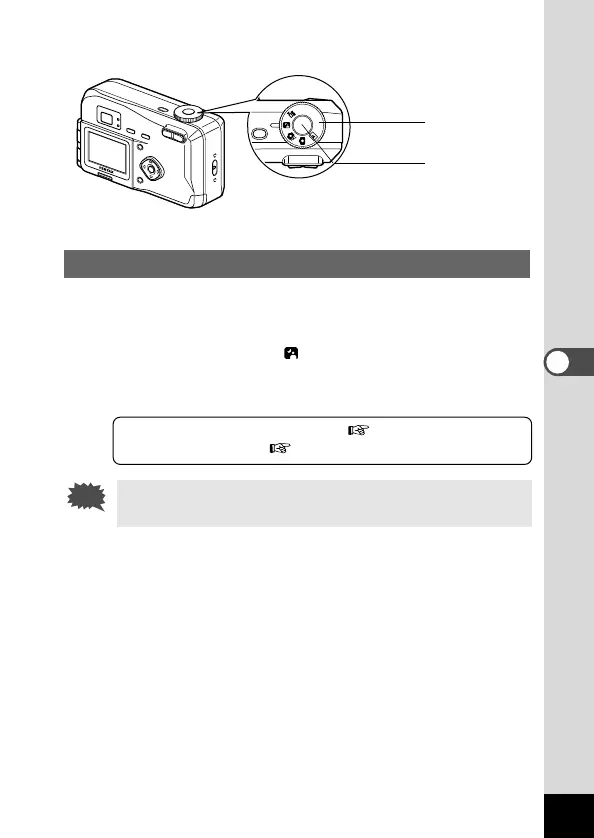
Taking Dark Scenes (Night-Scene Mode)
The appropriate settings are made automatically for taking dark
scenes such as night views.
z Set the mode dial to .
x Press the shutter release button.
The picture will be taken.
Using the Shutter Release Button p.21
Playing Back Images p.22
As the shutter speed becomes slow in night-scene mode,
camera shake should be avoided.











 To Next Page