50
Taking Pictures
Automatically Changing the Shooting Conditions (Auto bracket)
You can take pictures in succession while automatically changing
the exposure, white balance, saturation, sharpness and contrast
settings. Three pictures are taken in succession with different
exposure settings. The other settings are automatically set for
each picture.
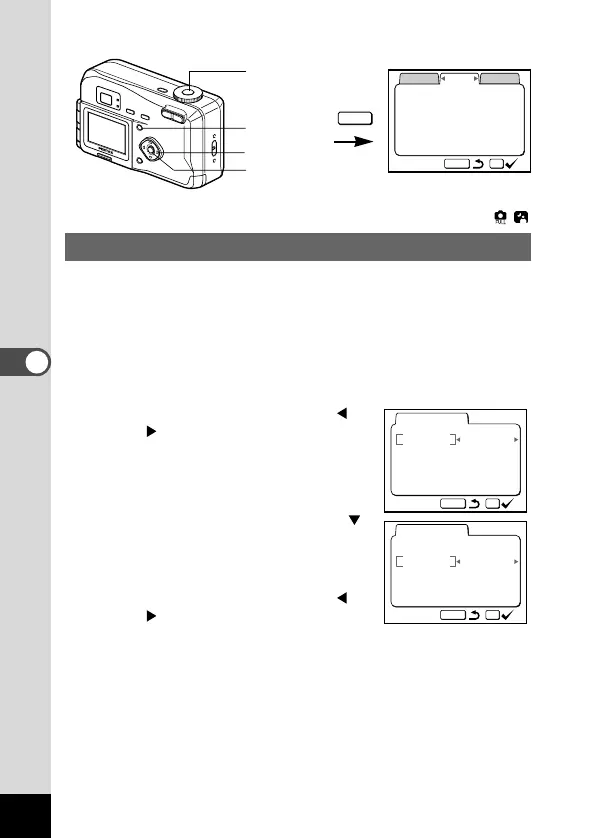
z Select [Auto bracket] on the [Applied Function] menu.
x Use the four-way controller (
) to select the conditions for
bracket shooting.
c Press the four-way controller ( )
to select [Ex. Bracketing] or
[white balance].
The [Step] setting screen appears.
v Use the four-way controller (
) to set the steps.
In addition to the NORMAL setting,
you can take the 3 pictures in steps
using a plus or minus setting.
b Press the OK button.
The Bracket mode is set.











 To Next Page