22
Quick Start
Quick Start
Playing Back Still Pictures
Playing Back the Last Image Taken (Easy View)
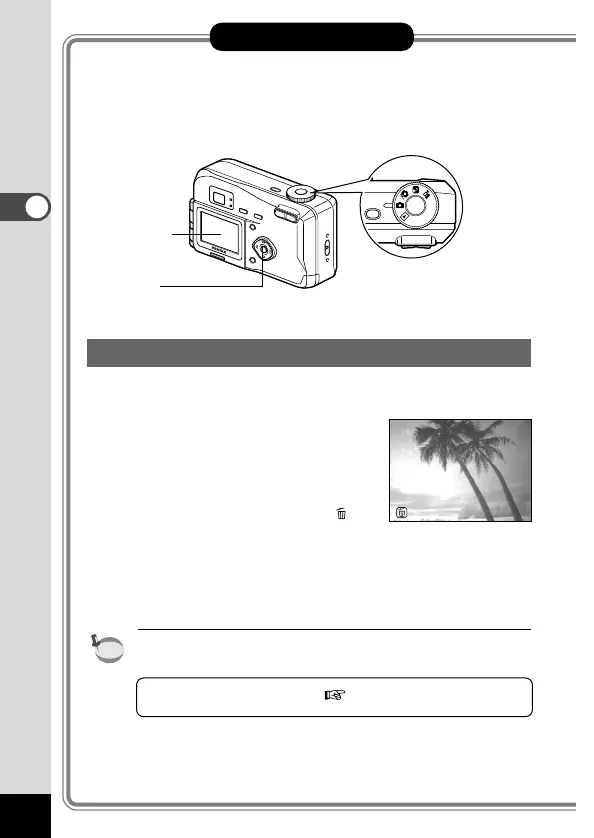
You can display the last still picture taken.
z Press the OK button after tak-
ing a picture.
The last image taken will be dis-
played on the LCD monitor.
During this time you can erase
the image by pressing the
button (The [Delete] menu will
be displayed.), and selecting
[Delete].
Press the OK button again to
return to shooting status.
•You can enlarge the image displayed on the LCD monitor by
pressing the zoom lever.
Playing Back Still Pictures p.70











 To Next Page