23
Quick Start
Playing Back a Single Image
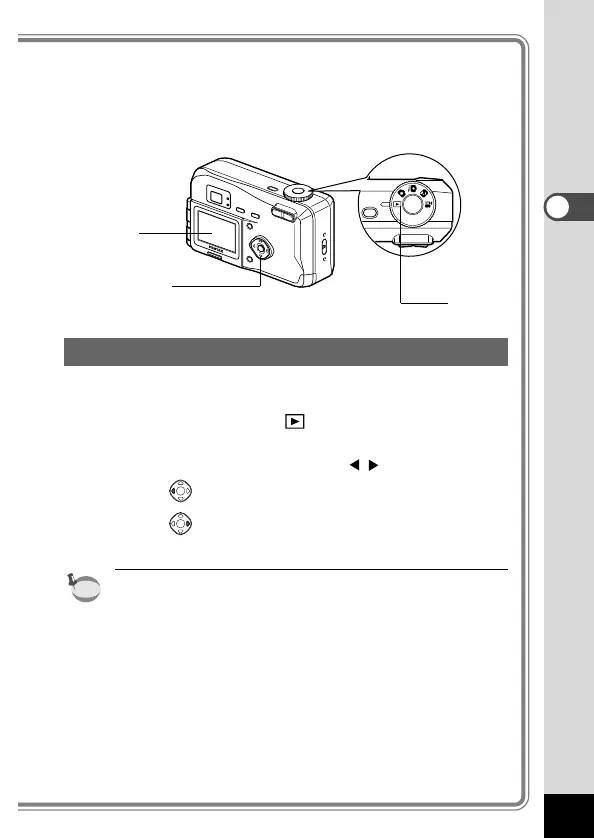
You can play back still pictures one at a time.
z Set the mode dial to .
An image will be displayed on the LCD monitor.
x Press the four-way controller ( ).
displays the previous image.
displays the next image.
•
In the case of movie pictures, the first frame will be displayed.
• If there are no image stored on the CF card, the [No images
in camera] message will be displayed, and if there is no CF
card in the camera, the [No card in camera] message will
be displayed.











 To Next Page