26
Common Operations
Common Operations
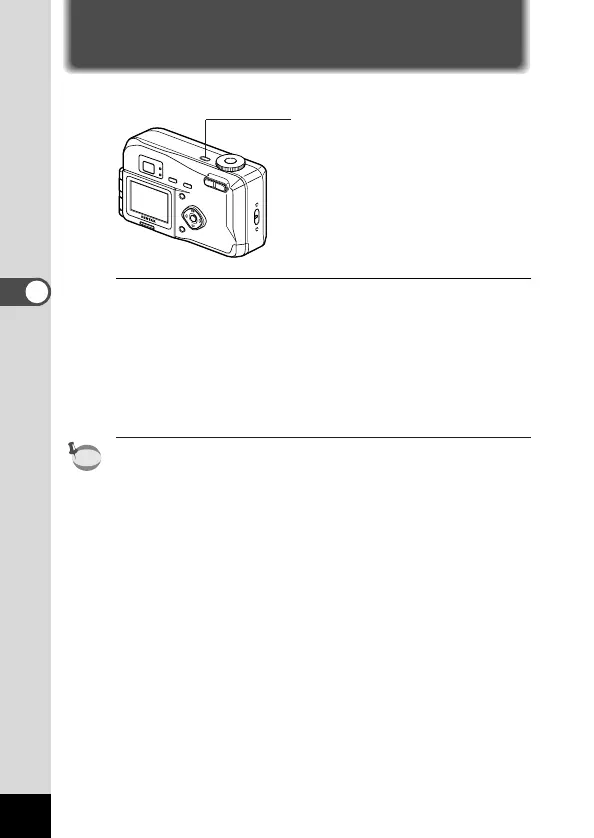
Turning the Camera On and Off
Use the power switch to turn the camera on and off.
z Press the power switch.
The camera will turn on.
When the camera is turned on, the lens cover opens and the
lens extends.
Press the power switch again to turn the camera off.
If you turn the camera on in Playback mode, the lens cover
remains closed and the lens does not extend.











 To Next Page