36
Taking Pictures
Taking Pictures with All the Functions Set (Full Selectable Mode)
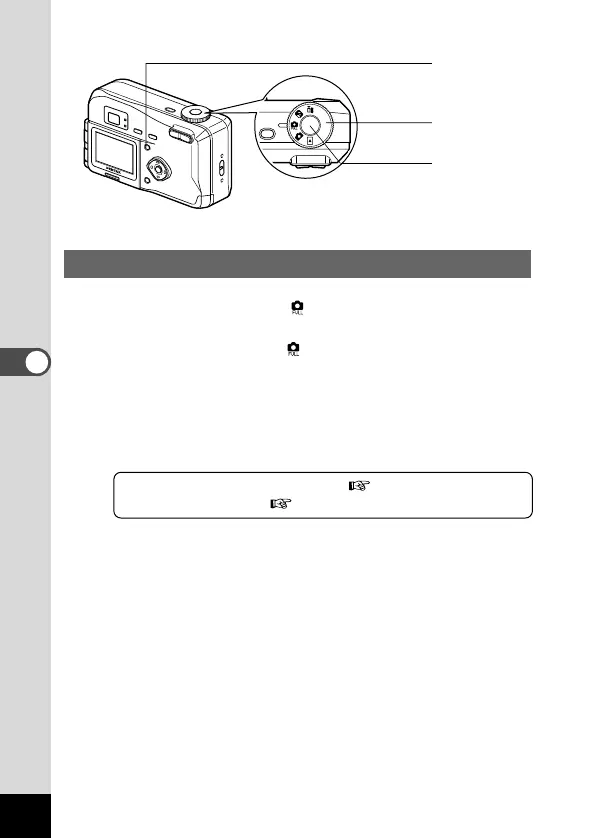
By setting the mode dial to , you can set all of the functions.
z Set the mode dial to .
x Press the Menu button.
The Menu screen will be displayed. For details of how to
make the settings, see “How to Use the Menus” (p.30).
c Press the shutter release button.
The picture will be taken.
Using the Shutter Release Button p.21
Playing Back Images p.22
c
x
z











 To Next Page