35
Taking Pictures
Taking Pictures
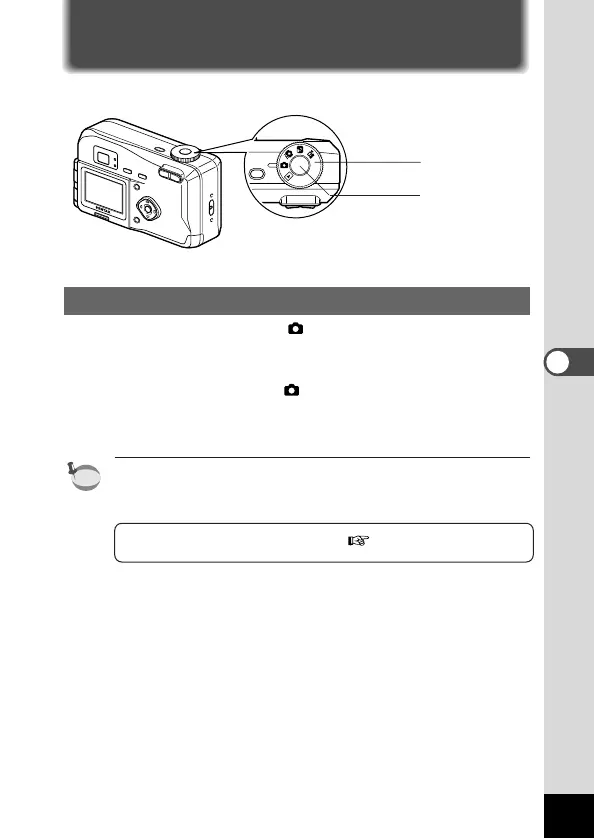
Taking Still Pictures in Auto Mode (Auto Mode)
By setting the mode dial to , most of the settings will be made
automatically by the camera when a picture is taken.
z Set the mode dial to .
x Press the shutter release button.
The picture will be taken.
In Auto mode, with the exception of certain functions, the menu
settings are fixed at the default settings. See “Menu List” (p.32) for
the menus where the settings can be changed.
Using the Shutter Release Button p.21











 To Next Page