27
Common Operations
Changing the Mode
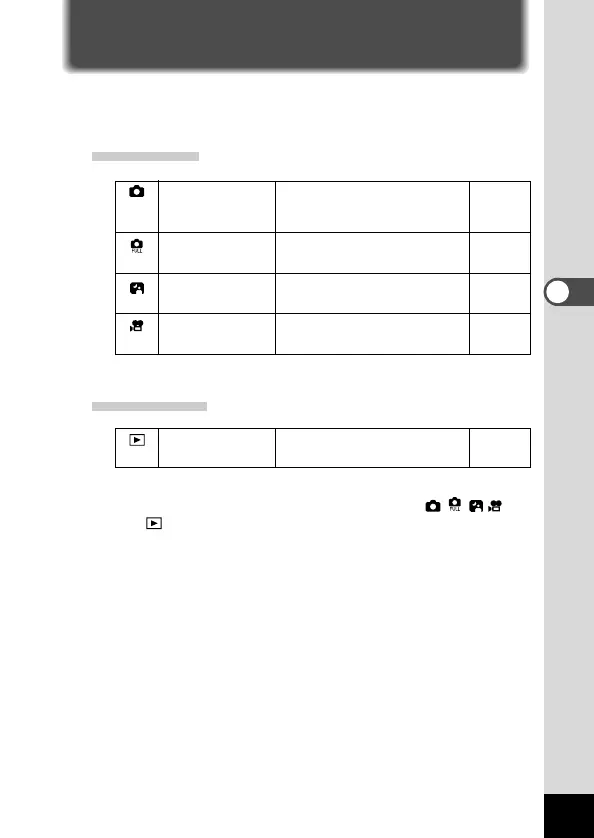
Capture mode is for taking pictures and Playback mode is for play-
ing back or erasing images. The mode is set by the mode dial.
Capture Mode
p.35
p.37
p.36
p.40
Playback Mode
Playback mode p.70
z Turn the mode dial so that the mark is on or
.
Most of the settings are made
automatically by the camera when
a picture is taken.
You can set all the functions as
you like when a picture is taken.
This mode is for taking dark
scenes such as night views.
This mode is for taking moving
images.
Auto mode
Full selectable
mode
Night-scene mode
Movie picture mode
This mode is for playing back
recorded images.











 To Next Page