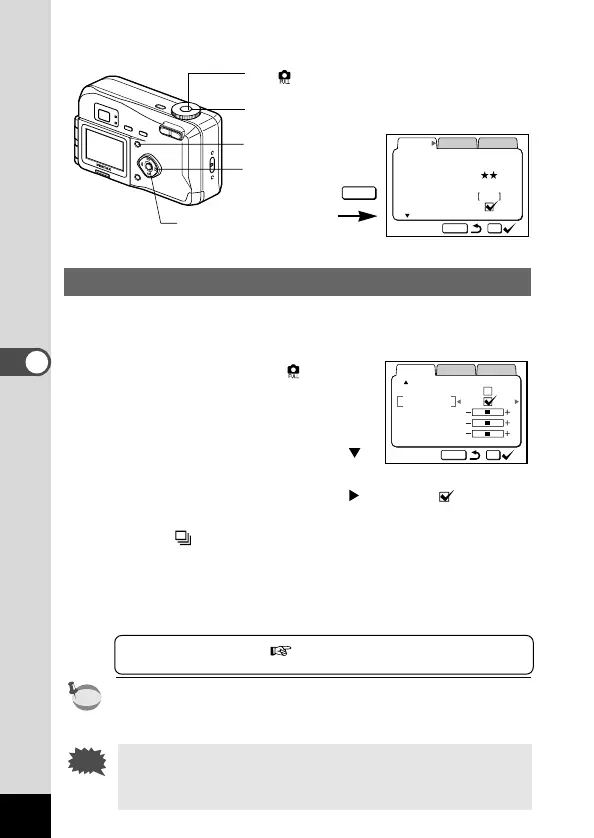
Continuous Shooting
Pictures are taken continuously while the shutter release button is
pressed.
z Set the mode dial to .
x Press the Menu button.
The [Rec. Mode] menu will be dis-
played.
c Press the four-way controller ( )
to select [Continuous Shooting].
v Press the four-way controller ( ) to select (On).
b Press the OK button.
The (Continuous Shooting) icon will be displayed on the
LCD monitor.
n Press the shutter release button.
Pictures will be taken continuously while the shutter release
button is pressed, and stop when the button is released.
Playing Back Images p.22
•You can continue shooting until the CF card is full.
• The interval will vary according to the [Resolution] and [Quality
Level] setting.
• The flash will not fire in Continuous Shooting mode.
• Continuous shooting is not possible in Auto and Movie pic-
ture mode.











 To Next Page