44
Taking Pictures
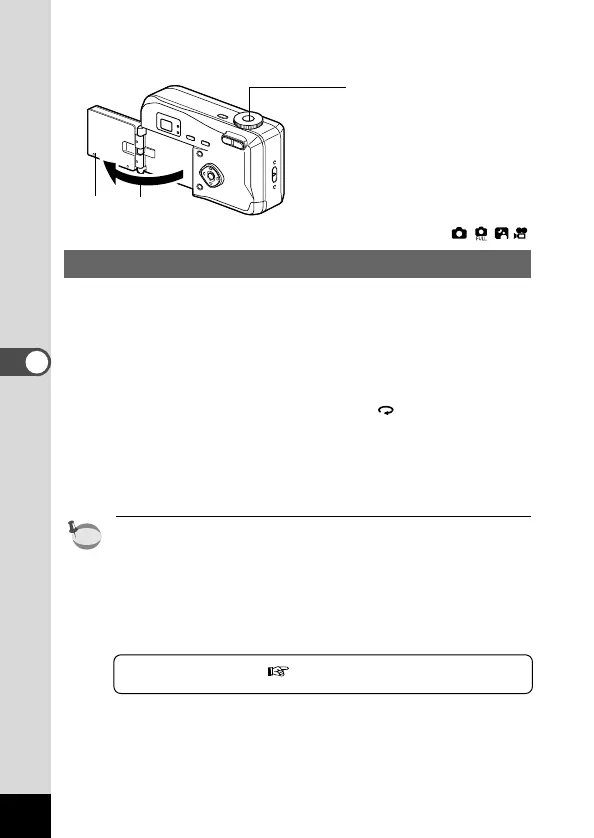
Taking a Picture of Yourself (Self-Portrait Mode)
You can turn the LCD monitor over, enabling you to see yourself in
the monitor when you want to take a picture of yourself or include
yourself in the picture.
z Turn the LCD monitor over.
x Reverse the image on the LCD monitor.
When you press the Reverse button, appears on the LCD
monitor and the image is displayed in reverse from right to
left.
c Press the shutter release button.
The picture is taken.
• The image is not recorded in reverse.
•The menu screen is not reversed.
• If you press the Reverse button without opening the LCD moni-
tor outwards, the image will be reversed on the LCD monitor.
• If you are taking pictures in low light conditions, use the self-
timer to avoid camera shake when pressing the shutter release
button.
Using the Self-Timer p.39











 To Next Page