56
Taking Pictures
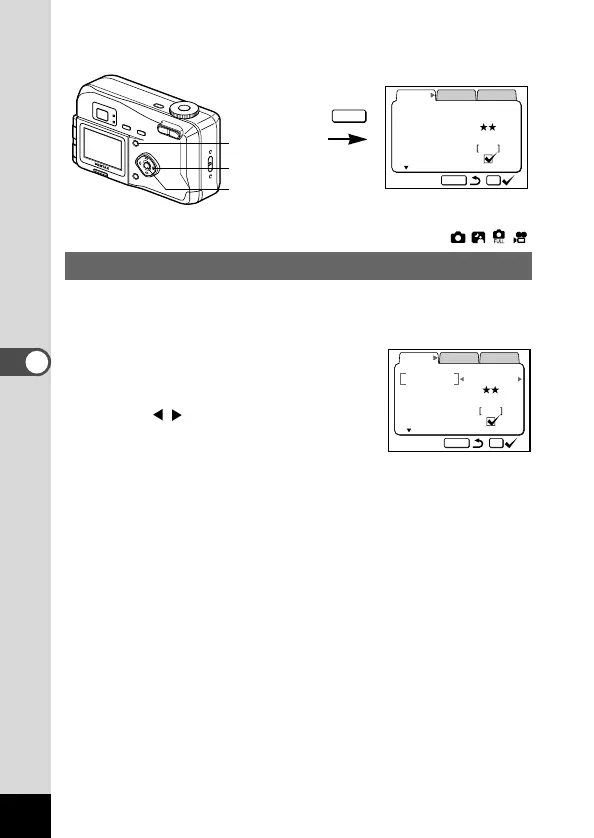
Selecting the Recorded Pixels
You can choose the number of recorded pixels from [1600 ×
1200], [1024 × 768] and [640 × 480].
z Select [Resolution] from the
[Rec.Mode] menu.
x Use the four-way controller
() to change the size.
c Press the OK button.
The camera is ready to take the pic-
ture.











 To Next Page