EasyManua.ls Logo

Pentax Optio 230 - User Manual

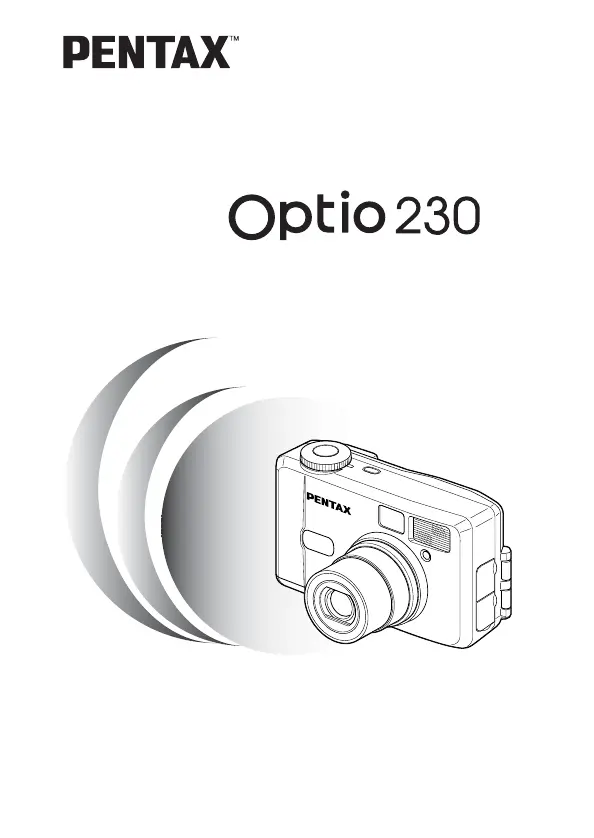
Pentax Optio 230
124 pages
Print Icon
To Next Page IconTo Next Page
Loading...
Digital Camera
Operating Manual
To ensure the best performance from
your camera, please read the Operating
Manual before using the camera.

Table of Contents

Questions and Answers

  • J
    Jade SmithJul 30, 2025
    Why won't my Pentax Digital Camera power on?
    • S
      Samuel CooperJul 30, 2025
      If your Pentax Digital Camera won't turn on, there might be a few reasons: * The battery might not be installed. Ensure the battery is correctly installed. * The CF card cover could be open. Make sure to close the CF card cover securely. * The battery might be incorrectly installed. Check the orientation and reinsert it as indicated by the (+)(-) symbols inside the battery chamber. * The battery power could be low. Try inserting a new battery or using the AC adapter.
  • S
    Steven JacksonAug 5, 2025
    What to do if there is no image on the LCD monitor of my Pentax Optio 230?
    • K
      Kristen HowardAug 5, 2025
      If there's no image on the LCD monitor of your Pentax Digital Camera, it could be due to several reasons: * The LCD monitor might be set to OFF. Press the Display button to turn it on. * The camera might be connected to a TV. The LCD monitor remains off while the camera is connected to a TV. * The camera could be set to Play mode. Change the mode dial to or . * The flash might be charging. When the flash lamp blinks red, the flash is charging, and no pictures can be taken. The lamp lights red when charging is completed. * There might be no available space on the CF card. Insert a CF card with available space or delete unwanted images.
  • S
    Sheila ThompsonAug 11, 2025
    Why are my Pentax Digital Camera pictures dark?
    • R
      russolisaAug 11, 2025
      If your Pentax Digital Camera pictures are dark, it might be because: * The subject is too far away. Ensure you take the picture within the flash range. * The background is dark. Set the camera to mode to ensure both the person and background are clear.
  • H
    harriscynthiaAug 17, 2025
    What to do if the subject is not in focus on my Pentax Digital Camera?
    • D
      Douglas GriffithAug 17, 2025
      If your Pentax Digital Camera subject is not in focus, it could be due to these reasons: * The subject may be difficult to focus on. Lock focus on another object at the same distance by pressing the shutter release button halfway, then aim at your target and press the shutter release button fully. * The subject is not in the focusing area. Position the subject in the square frame (focusing area) in the middle of the LCD monitor. If the subject is outside the focusing area, aim the camera at the subject and lock focus (press the shutter release button halfway), then compose the picture and press the shutter release button fully. * The subject is too close. Set the focus mode on . * The focus mode is set on . Normal pictures will be out of focus if taken with focus mode set on .
  • W
    Whitney SimmonsAug 25, 2025
    Why does the flash not fire on my Pentax Digital Camera?
    • M
      michaelrichardsonAug 25, 2025
      If the flash on your Pentax Digital Camera doesn't fire, here’s what might be happening: * The flash mode is set to Off. Change the setting to Auto or . * The Capture mode is set to , continuous shooting, or Infinity-landscape mode. In these modes, the flash will not fire.

Summary

FOR SAFE USE OF YOUR CAMERA

Safety Symbols and Warnings

Defines safety symbols and lists critical warnings for camera operation.

Getting Started

Powering the Camera with Battery

Guides on inserting the battery and powering on the camera.

Initial Settings

Quick Start

Taking Still Pictures

Simple procedure for taking basic still photographs with the camera.

Common Operations

Taking Pictures

Basic and Advanced Shooting Modes

Covers Auto Mode, Full Selectable Mode, and Night-Scene Mode.

Special Shooting Features

Explains Continuous Shooting, Self-Timer, Movie Mode, and Zoom.

Shooting Function Settings

Covers focus modes, EV compensation, flash modes, resolution, quality, and white balance.

Image Adjustments

Explains how to set sharpness, saturation, and contrast for image output.

Playback;Erasing

Connecting to PC for Image Viewing

Instructions for viewing images on Windows PCs, including software installation.

Macintosh Connectivity and Viewing

Guides for connecting to Macintosh, installing software, and viewing images.

Settings

CF Card Formatting and Date;Time Setup

Covers CF card formatting, date style, and date/time adjustments.

Appendix

Troubleshooting Common Issues

Provides solutions for common problems encountered during camera operation.

Pentax Optio 230 Specifications

General IconGeneral
Image Sensor1/2.7" CCD
Megapixels2.0 MP
Lens3x optical zoom
Digital Zoom4x
Display1.6" LCD
ISO Range100 - 400
Shutter Speed1/2000 - 4 sec
Storage MediaSD card
TypeCompact
Battery Type2 x AA

Related product manuals