28
Common Operations
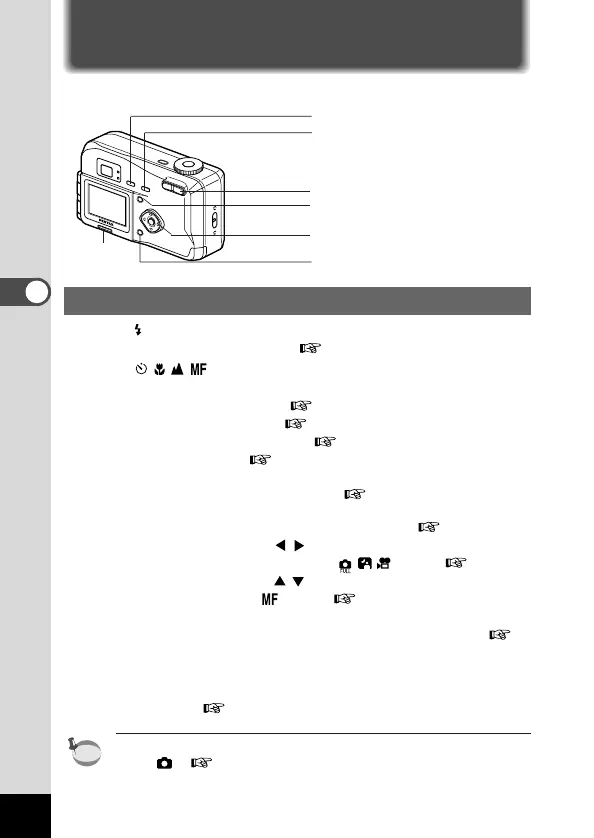
Using the Button Functions
Capture Mode
q button
Changes the flash mode. ( p.55)
w button
Changes the shooting mode as follows.
Using the Self-timer ( p.39)
Using macro mode ( p.52)
Infinity landscape mode ( p.52)
Manual focus ( p.53)
e Zoom button
Changes the size of the subject. ( p.42)
r Menu button
Displays the active menus in Capture mode. ( p.32)
t Four-way controller ( )
Changes the EV compensation in mode. ( p.54)
y Four-way controller ( )
Adjusts the focus in mode. ( p.52)
u Display button
Changes the information displayed on the LCD monitor. (
p.34)
i Reverse button
Reverse the image from right to left. (The image is not recorded
in reverse. p.44)
MF (manual focus) and EV compensation are disabled in Auto
mode .( p.35)











 To Next Page