79
Playback/Erasing
Setting the Printing Service
You can print the images on the CF card using a DPOF (Digital Print
Order Format) compatible printer or at a printing service.
Printing Single Image
Set the following items for each image.
● Copies
Set the number of prints up to a maximum of 99.
● Date
Specify whether you want the date inserted on the print or not.
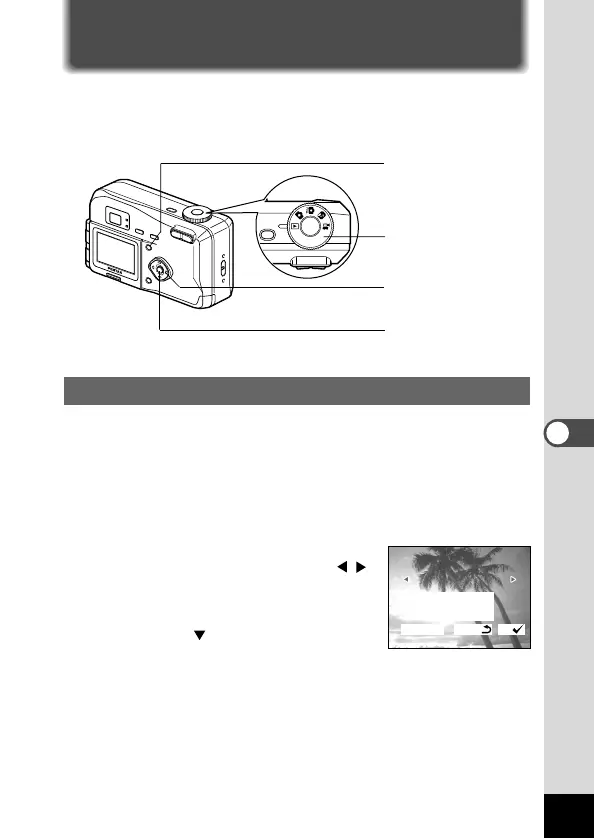
z Press the menu button and select [DPOF] on the
[Playback] menu.
x Use the four-way controller ( )
to choose the image for which you
want to specify the number of
prints and press the four-way con-
troller ( ).
The frame will move to [Copies].
b
xcv
z
Mode dial











 To Next Page