63
Taking Pictures
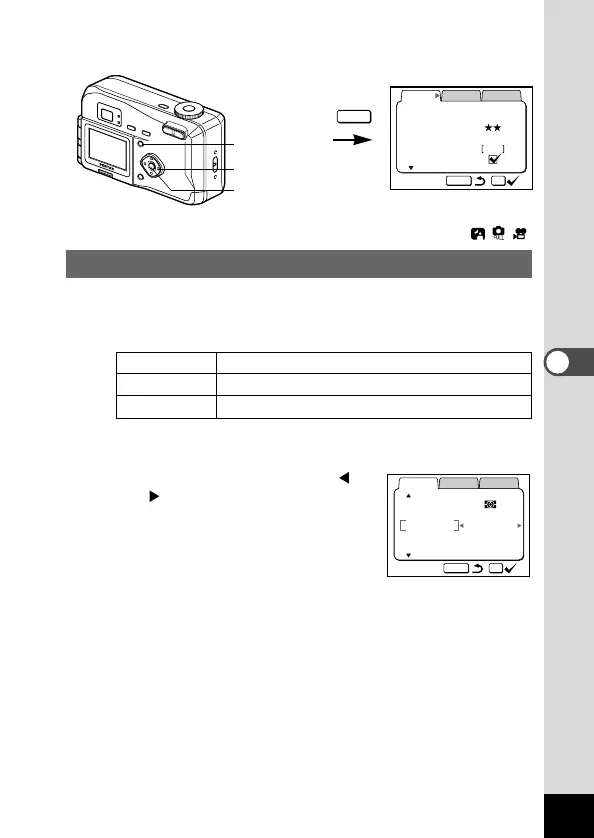
Selecting the Color Mode (Color)
You can give atmosphere to your pictures by changing the colors
to black and white or sepia.
● Color Mode
Full The picture is taken in color
B & W The picture is taken in black and white.
Sepia The picture is taken in sepia.
z Select [Color] on the [Rec.Mode] menu.
x Use the four-way controller (
) to change the Color mode
setting.
c Press the OK button.
The camera is ready to take the pic-
ture.











 To Next Page