51
Taking Pictures
n Press the shutter release button.
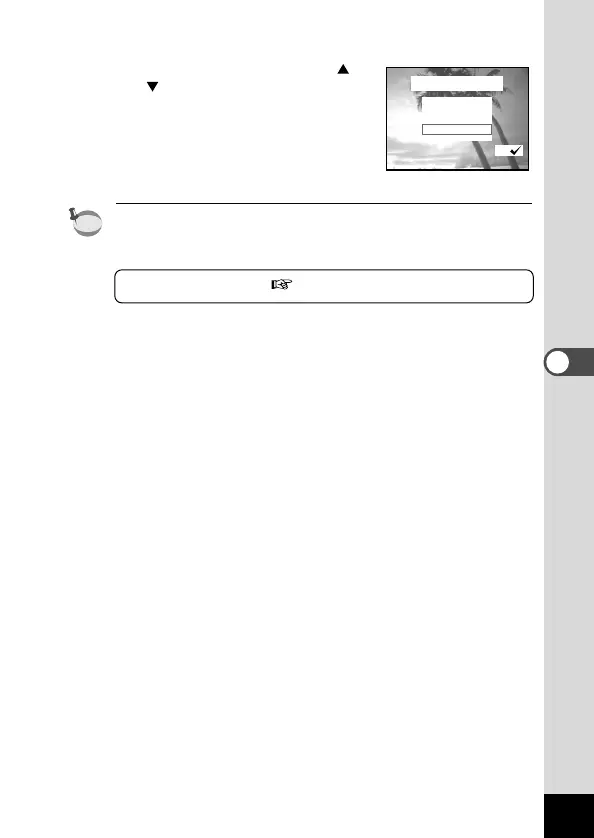
m Use the four-way controller (
) to choose whether or
not you wish to continue bracket
shooting.
Choose whether you wish to contin-
ue bracketing under the same condi-
tions or end bracketing and press
the OK button.
• Check the pictures you have taken using the Playback mode.
• If you set auto bracket when you set the Continuous Shooting
mode, continuous shooting will be canceled.
Playing Back Images p.22











 To Next Page