Playing Back Images, Movies, and Sound Files
99
4
Playing Back and Editing Images
Setting the Interval
Touch [Interval] on the Slideshow screen to set the playback interval.
Select from [3sec], [5sec], [10sec], [20sec], or [30sec] for setting
[Interval].
Touch the icon of the desired duration time to save the setting and return
to the Slideshow screen.
Setting the Screen Effect
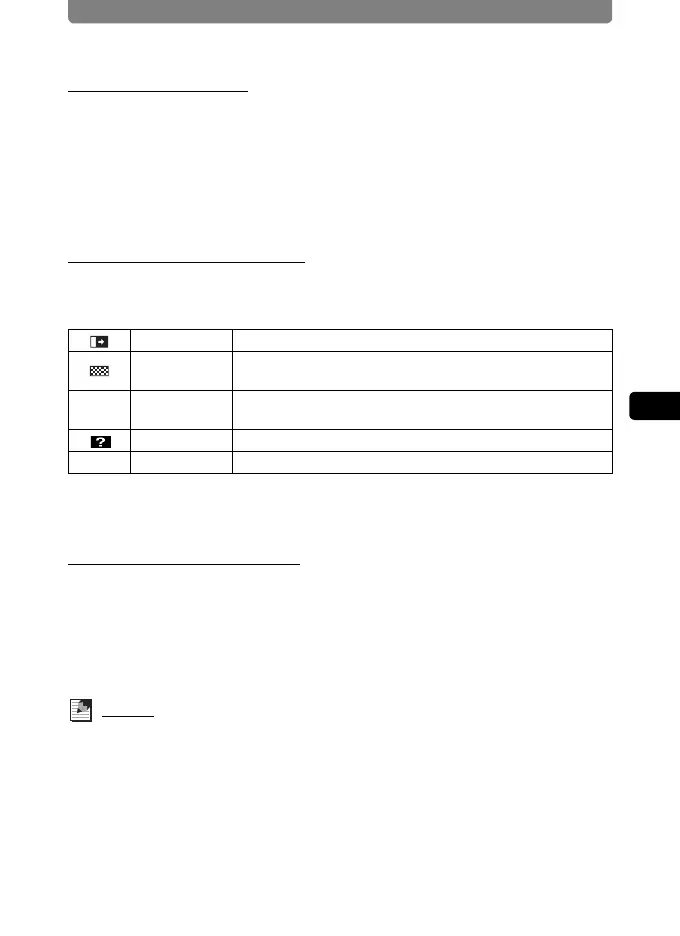
Touch [Screen Effect] on the Slideshow screen to set the transition effect
between images. Select from the following effects.
Touch the icon of the desired screen effect to save the setting and return
to the Slideshow screen.
Setting the Sound Effect
Touch [Sound Effect] on the Slideshow screen to set the sound effect
between images.
Except when the [Screen Effect] is set to Off, you can choose [1], [2], [3],
[USER] or [Off] for the sound that is played when one image changes to
the next.
Memo
If the screen effect is set to off, then the sound effect will also be set to off.
Wipe The next image slides over the previous one from left to right.
Checker
The image changes to a checkered pattern to gradually turn
into the next image.
k Fade
The current image gradually fades out and the next image
fades in.
Random Wipe, Checker and Fade are selected at random.
Off Off No effect



 To Next Page