Editing Images and Movies
134
4
Playing Back and Editing Images
1 In the Playback Mode, touch the arrow icons (qr) to
choose a movie you want to stitch to another one.
2 Touch the LCD monitor.
The [Playback Toolbar] appears.
3 Touch the n icon.
• The [Playback Palette] appears.
• If the desired icon does not appear, touch the arrow icons (qr) to
advance the screen.
4 Double-touch the [ icon.
• The Movie Edit screen appears.
• Touch an icon with the guide checkbox checked to display the guide
display.
5 Touch [Movie Edit].
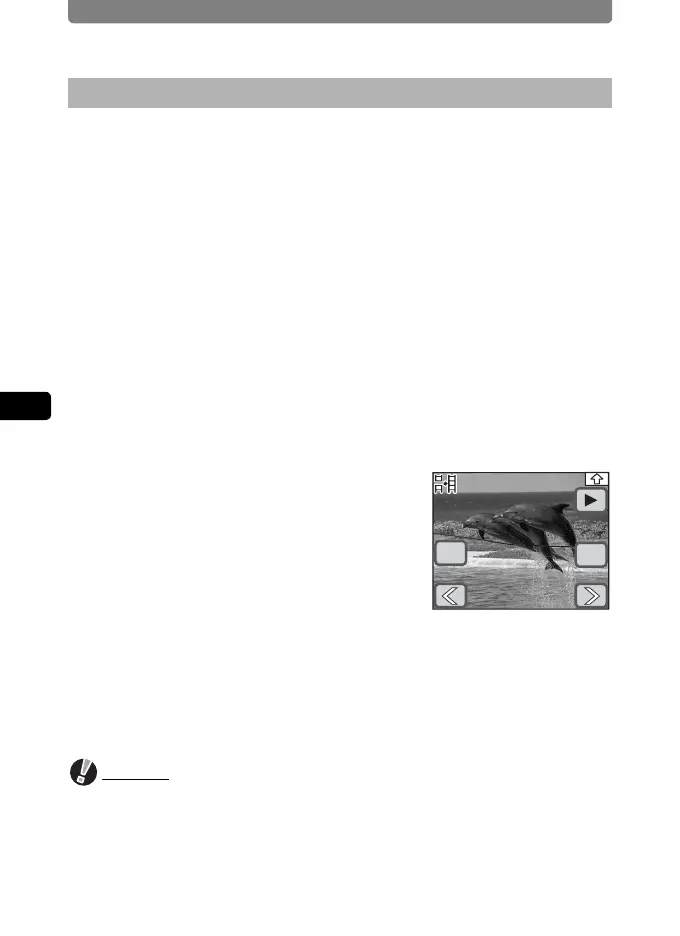
6 Touch the arrow icons (qr) to
select a movie to stitch to the
previous one.
7 Touch [OK].
A confirmation dialog appears.
8 Touch [Stitch].
• The stitched movie is saved.
• The two movies that were stitched together will be deleted.
Caution
• Protected movies cannot be stitched together.
• Movies cannot be stitched together when there is only one movie.
• The same movie cannot be stitched to itself.
Stich Movies Together
OK
Cancel



 To Next Page