Taking Pictures
83
3
Taking Pictures
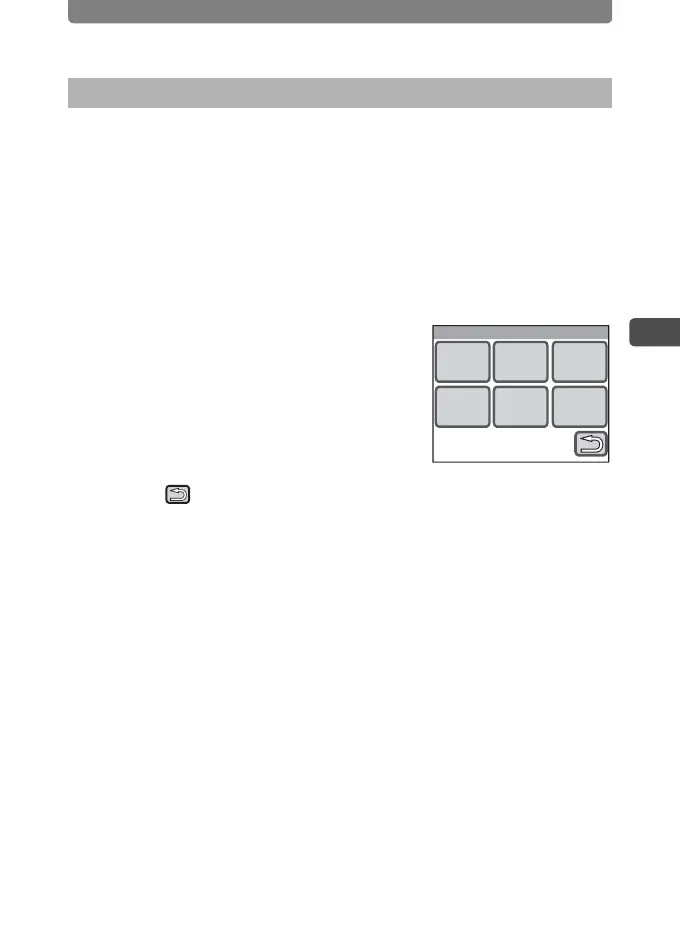
You can choose the Instant Review time (the length of time the image is
displayed immediately after a picture is taken) from [1sec], [2sec], [3sec],
[4sec], [5sec] and [Off] (no display).
1 Press the 3 button.
The [Menu] appears.
2 Touch [Rec. Mode 2].
The Rec. Mode 2 screen appears.
3 Touch [Instant Review].
The Instant Review screen appears.
4 Touch the display time you want to
set.
The setting is saved and the screen returns to
the previous screen.
5 Touch twice.
• The camera returns to Capture mode.
• Press the Q button to return to Playback mode.
Setting the Instant Review Time
Instant Review
4sec 5sec
2sec1sec 3sec
Off



 To Next Page