Adjusting the Size, Quality Level, Brightness, and Color Tone
58
3
Taking Pictures
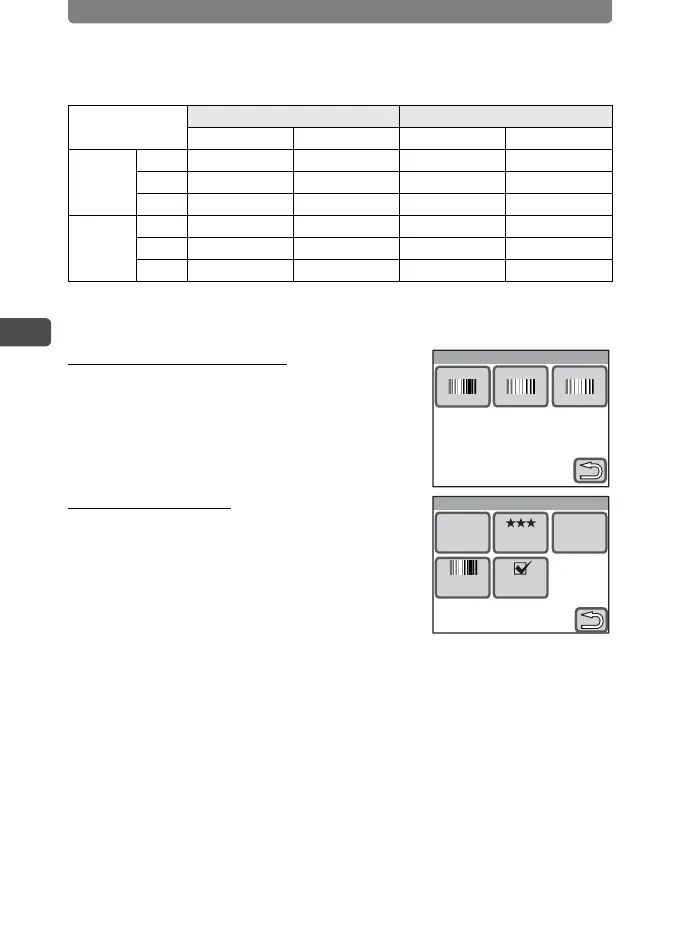
Recorded Pixels, Quality Level, Frame Rate and Approx. Recording Time
• The above figures may vary depending on the subject, shooting conditions,
shooting mode and capacity of the SD Memory Card, etc.
Setting the Color Mode
In Step 3, touch [Color Mode] and
select the desired color mode.
Setting Movie SR
In Step 3, touch [Movie SR] and
select the desired movie anti-
shake mode.
30fps 15fps
Built-in Memory 256 MB Built-in Memory 256 MB
m
640×480
C 19 sec. 3 min. 47 sec. 37 sec. 7 min. 28 sec.
D 25 sec. 5 min. 4 sec. 49 sec. 9 min. 46 sec.
E 38 sec. 7 min. 42 sec. 1 min. 15 sec. 14 min. 56 sec.
D
320×240
C 30 sec. 6 min. 3 sec. 58 sec. 11 min. 33 sec.
D 41 sec. 8 min. 1 sec. 1 min. 19 sec. 15 min. 52 sec.
E 58 sec. 11 min. 33 sec. 1 min. 56 sec. 23 min. 5 sec.
Color Mode
Movie
Recorded
Pixels
Color
Mode
Quality
Level
640 30fps
Frame
Rate
Movie SR



 To Next Page