Setting the World Time
153
6
Settings
The date and time selected with the procedure in “Setting the Language
and the Date and Time” (p.21) and “Changing the Date and Time” (p.149)
serve as the Hometown date and time. By using the world time function,
you can display the time in a city other than the Hometown (Destination).
This is useful when taking pictures in a different time zone.
Setting the Destination
1 Press the 3 button.
The [Menu] appears.
2 Touch [Setting].
• The Setting screen appears.
• If the desired icon does not appear, touch the arrow icons (qr) to
advance the screen.
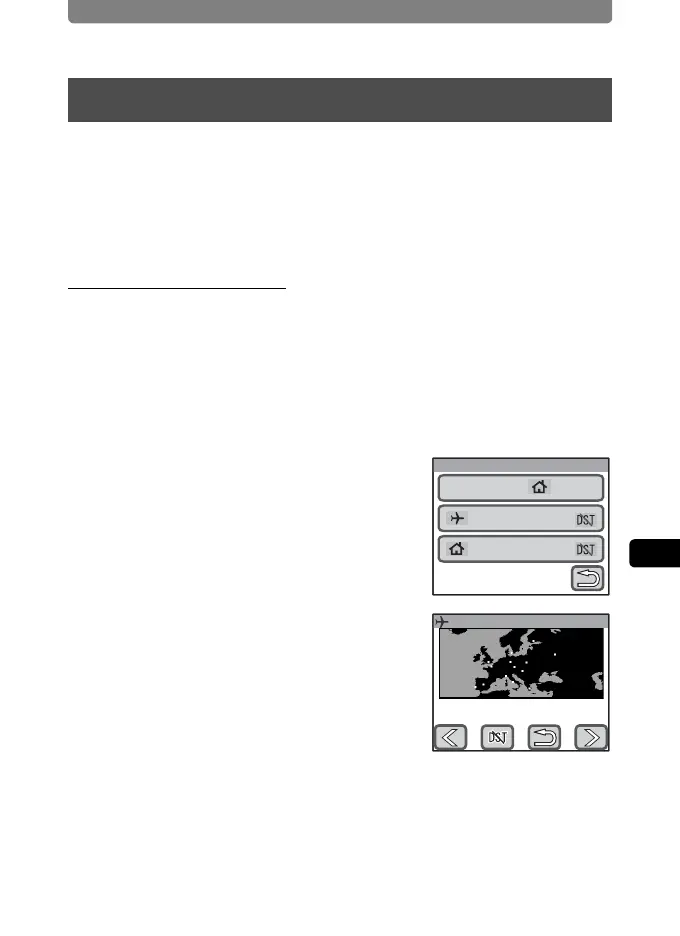
3 Touch [World Time].
The World Time screen appears.
4 Touch [Destination].
The Destination screen appears. The city that
is currently selected turns green on the map.
5 Touch the arrow icons (qr) to
select the destination city on the
map.
You can also pan the map by dragging it.
Setting the World Time
World Time
Select Time
Destination
New York
Hometown
New York
14:25
Destination
London
0:25



 To Next Page