Changing the Sound Settings
152
6
Settings
Changing the Start-up Sound, Shutter Sound, Operation
Sound, Self-timer Sound Type
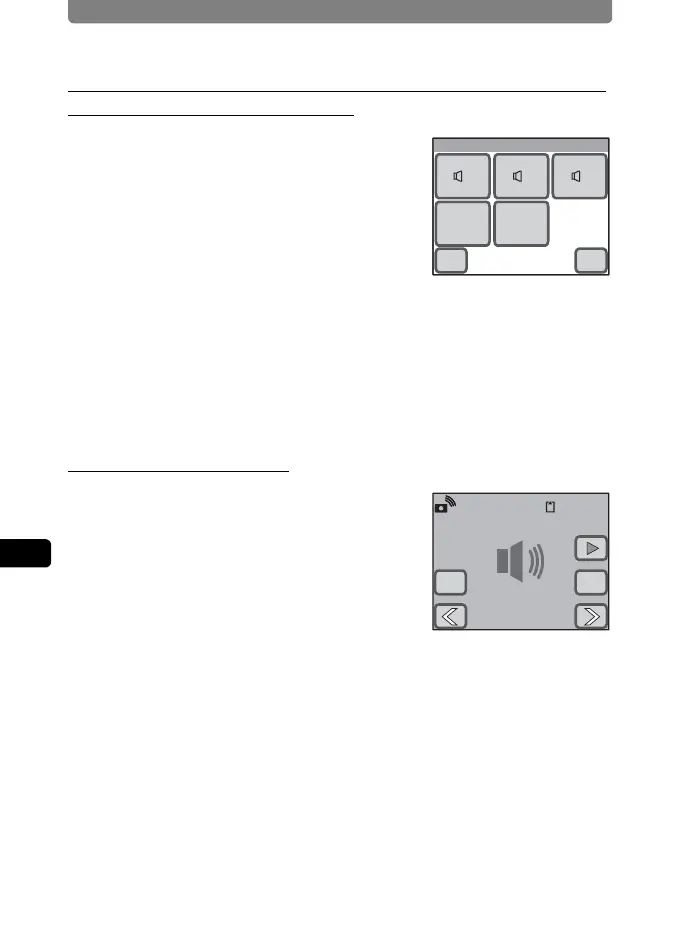
1 Touch the desired sound setting
icon on the Sound screen.
The setting screen appears.
2 Touch the icon of the sound type
you want to set.
• Select [1], [2], [3], [USER], or [Off]. When
an icon is touched, the selected sound is
played back. Select [Off] to turn off the sound.
• By selecting [USER], you can assign the first two seconds of a recorded
sound file as the sound type.
3 Touch [OK].
The setting is saved and the screen returns to the Sound screen.
Setting the User Sound
1 In Step 2 above, touch [USER], and
then touch [OK].
The Playback screen appears if there is a
sound that can be used as the user sound in
the camera.
2 Touch the arrow icons (qr) to
choose the sound.
w : Plays back the first two seconds of the sound file.
n : Stops playback.
3 Touch [OK].
• The setting is saved and the screen returns to the Sound screen.
• The first two seconds of the selected sound is set as the user sound.
Start-up Sound
OK
USER
Off
11 22 33
Cancel
01/26/2007 14:25
100-002500:01:30
OKCancel



 To Next Page