Changing the Sound Settings
151
6
Settings
You can adjust the volume of operation and playback sounds and change
the type of start-up sound, shutter sound, operation sound, and self-timer
sound. You can also turn off the sounds.
1 Press the 3 button.
The [Menu] appears.
2 Touch [Sound].
The Sound screen appears.
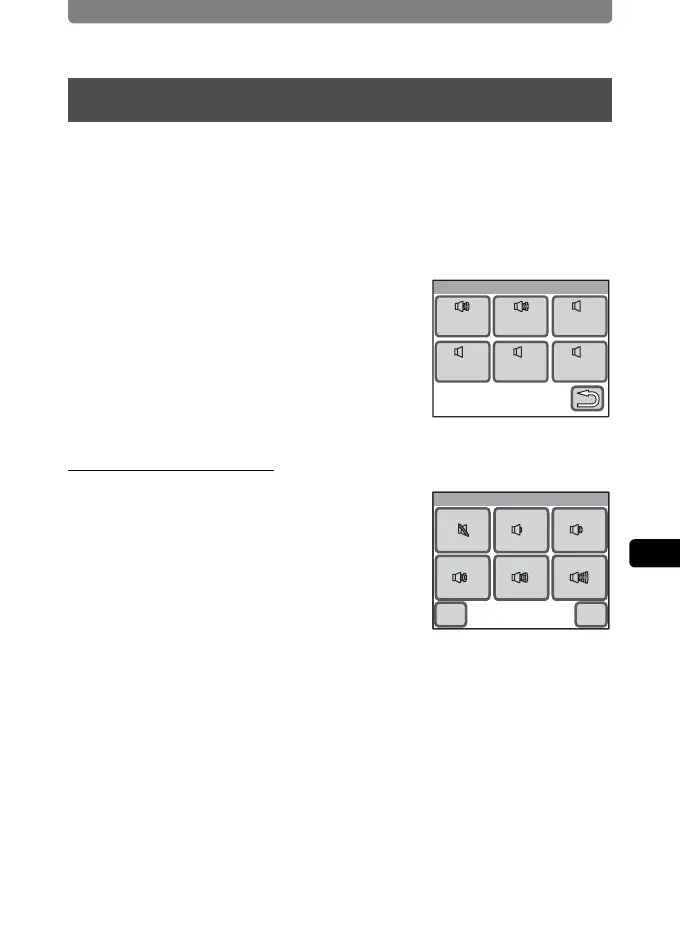
Changing the Volume
1 Touch [Operation Volume] on the
Sound screen.
The Operation Volume screen appears.
2 Touch the icon of the operation volume you want to set.
Choose from six volume levels f (0) to g (5). Set the volume to f (0)
to mute the sound.
3 Touch [OK].
The setting is saved and the screen returns to the Sound screen.
Changing the Sound Settings
Sound
Operatin
Sound
Shutter
Sound
Selftime
Sound
Playback
Volume
Operatin
Volume
Start-up
Sound
11
1
11111
Cancel
Operation Volume
OK



 To Next Page