Adjusting the Size, Quality Level, Brightness, and Color Tone
57
3
Taking Pictures
Setting the Recorded Pixels
1 Press the 3 button.
The [Menu] appears.
2 Touch [Movie].
The Movie screen appears.
3 Touch [Recorded Pixels].
The Recorded Pixels screen appears.
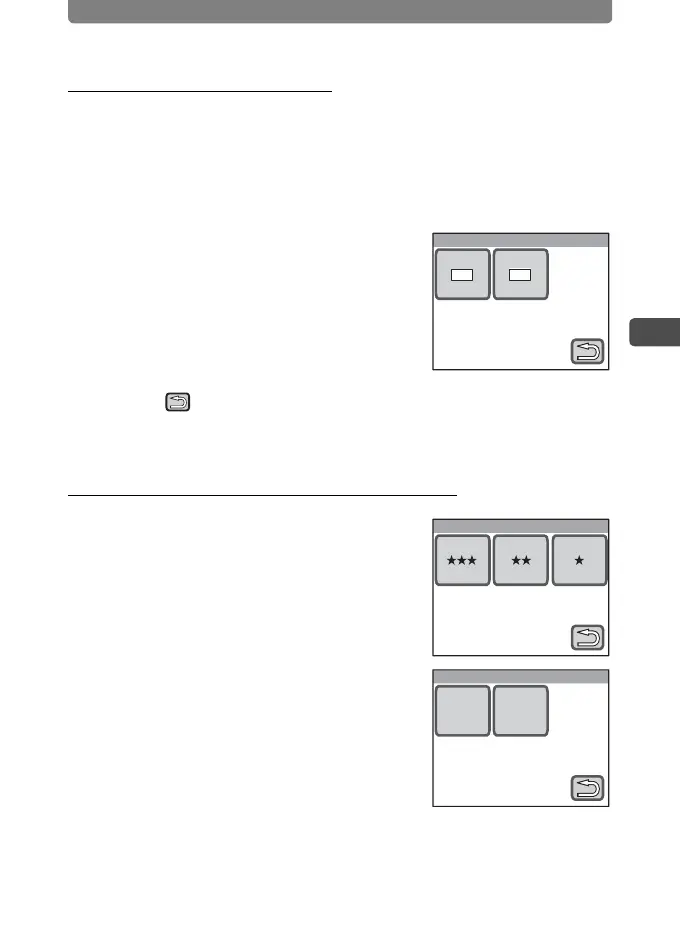
4 Touch the recorded pixels you
want to set.
The setting is saved and the screen returns to
the previous screen.
5 Touch twice.
• The camera returns to Capture mode.
• Press the Q button to return to Playback mode.
Setting the Quality Level and Frame Rate
In Step 3, touch [Quality Level] or
[Frame Rate] and select the
desired setting.
Recorded Pixels
640 320
Quality Level
Frame Rate
30
fps
15
fps



 To Next Page