Editing Images and Movies
136
4
Playing Back and Editing Images
To Copy Files from the SD Memory Card to the Built-in
Memory
Selected images and sound files can be copied from the SD Memory Card
to the built-in memory one at a time.
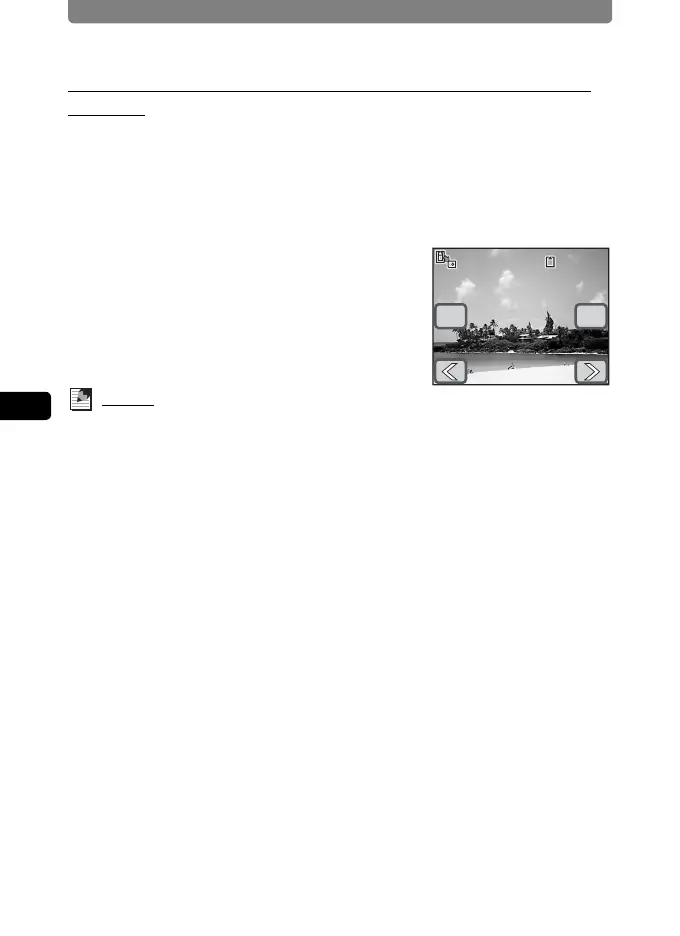
4 Touch the b icon.
5 Touch the arrow icons (qr) to
choose the file to copy.
6 Touch [OK].
The selected image, movie or sound file is
copied.
Memo
• If sound has been recorded with the image, the sound file is copied with the
image.
• Protected images, movies, and sound files are still protected after they have
been copied.
01/26/2007
14:25
100-0038
14:25
100-0038
OK
Copy this image/sound
01/26/2007
Cancel
Copy this image/sound



 To Next Page