Initial Settings
22
1
Getting Started
2 Touch [OK].
The Date Adjust screen appears.
Caution
If the 3 button is pressed without touching [OK] on the Initial Setting
screen, the language will not be set and the Date Adjust screen appears. In
this case, the Language/ screen will appear next time you turn the
camera on.
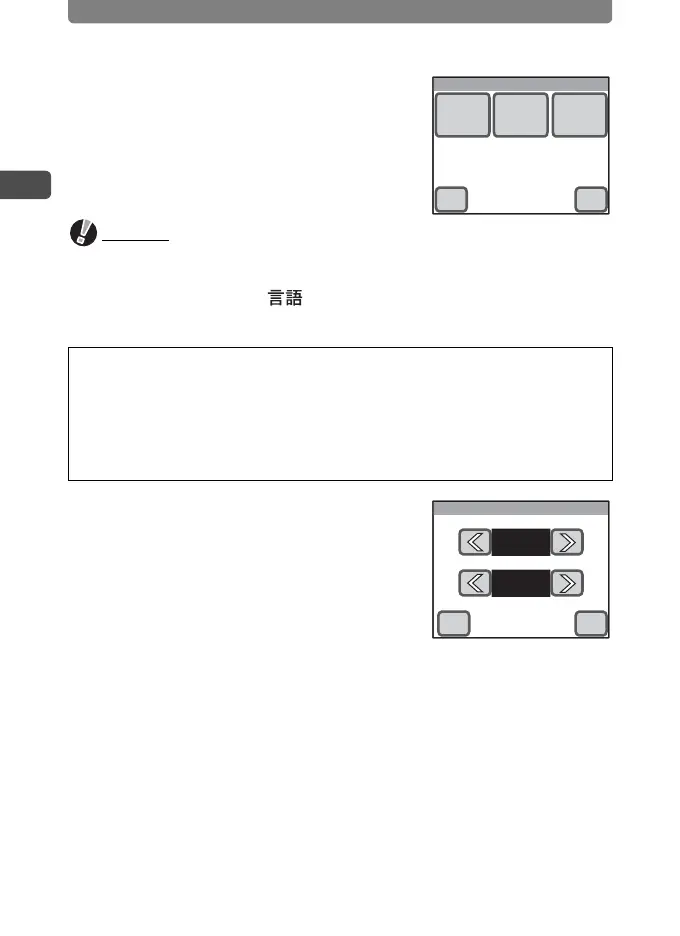
3 Touch [Date Style].
The Date Style screen appears.
4 Touch the arrow icons (qr) to
choose the display style of the
year, month, and day.
Select [mm/dd/yy], [dd/mm/yy] or [yy/mm/dd].
5 Touch the arrow icons (qr) to choose the time display
style.
Select [24h] (24-hour display) or [12h] (12-hour display).
6 Touch [OK].
The setting is saved and the screen returns to the Date Adjust screen.
[Hometown] and [Date Style] are automatically set according to the
language selected on the Initial Setting screen. To change these
settings, refer to the pages below.
• [Hometown] : “Setting the Destination” (p.153)
• [Date Style] : “Changing the Date and Time” (p.149)
Date Adjust
Date
Style
Date Time
OKCancel
Date Style
mm/dd/yy
24h
OKCancel



 To Next Page