Setting the Shooting Functions
40
3
Taking Pictures
1 Press the 3 button.
The [Menu] appears.
2 Touch [Common].
The Common screen appears.
3 Touch [Memory].
The Memory screen appears.
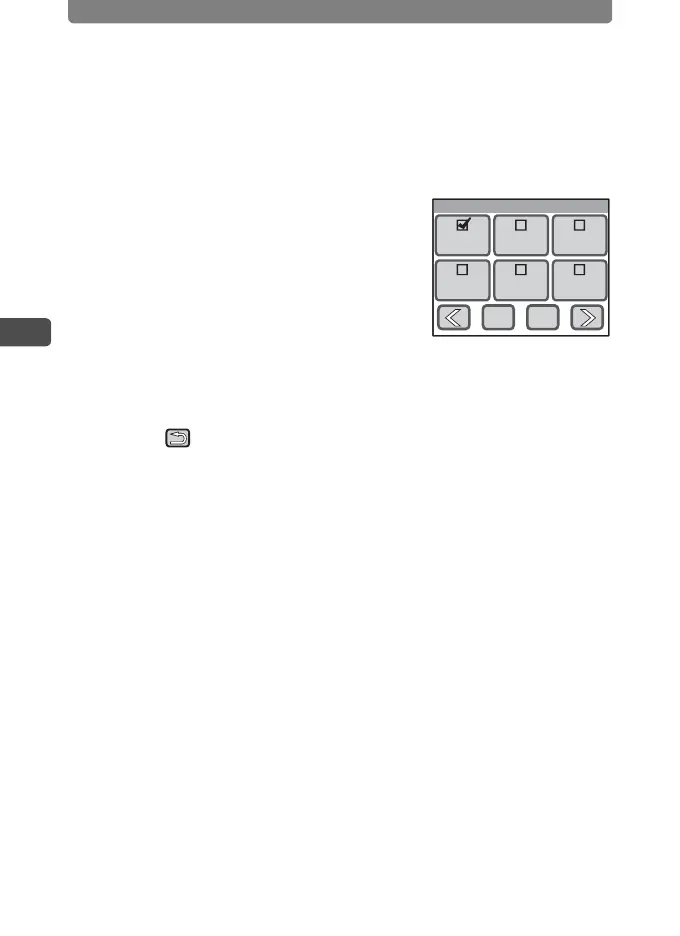
4 Touch the setting you want to
change.
• The setting changes to O (On) or P (Off).
• If the function you want to change does not
appear, touch [qr] to advance the
screen.
5 Touch [OK].
6 Touch twice.
• The camera returns to Capture mode.
• Press the Q button to return to Playback mode.
Memory
1/2
Flash
Mode
MF
Position
White
Balance
Drive
Mode
Focus
Mode
Zoom
Position
OKCancel



 To Next Page