134
4
Taking Pictures
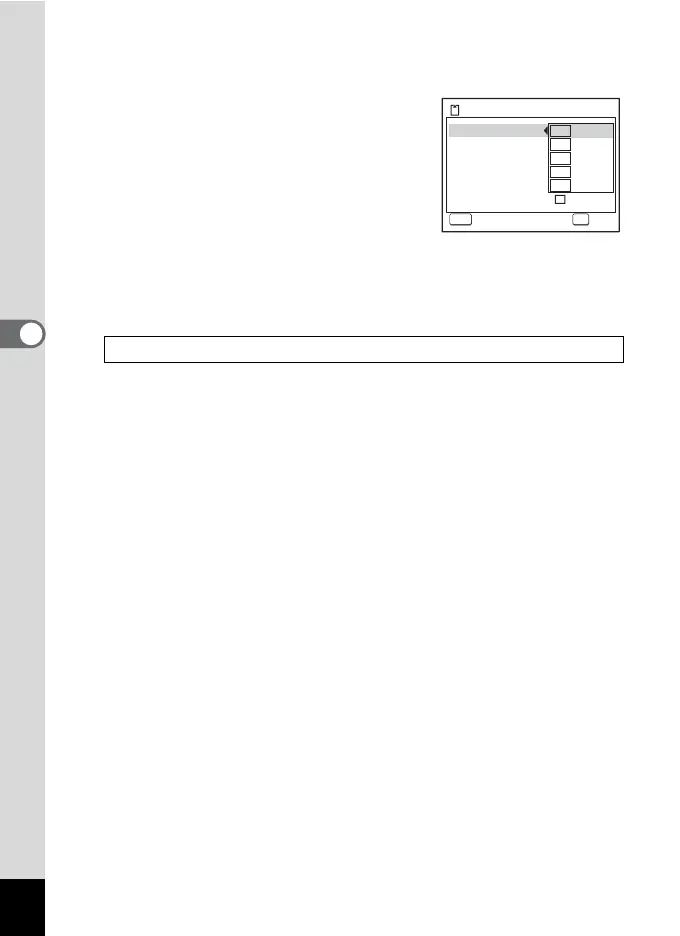
4 Use the four-way controller (23) to select [Recorded
Pixels].
5 Press the four-way controller (5).
A pull-down menu appears.
6 Use the four-way controller (23)
to change the number of recorded
pixels.
7 Press the 4 button.
The Recorded Pixels setting is saved.
8 Press the 3 button twice.
The camera returns to capture status with the current setting.
Recorded Pixels for Movies/Frame Rate 1p.35
MENU OK
15:02:26
1280
15
15
640
30
30
320
30
30
640
15
15
320
15
15
OK
OK
Cancel
Cancel
Rec. time
Recorded Pixels
Color Mode
Movie SR
Interval Shoot
AF w/ recording
Optical Zoom




 To Next Page